Ado Piso WiFi (AdoPiSoft) 10.0.0.1: Login, Pause and Resume Guide
http://10.0.0.1. Insert coins or enter a voucher, then tap Pause in your session area to save time. Resume later on the same phone. Owners manage the machine from the admin panel, usually at 10.0.0.1/admin.The buttons only work while your phone is connected to the Piso WiFi network.
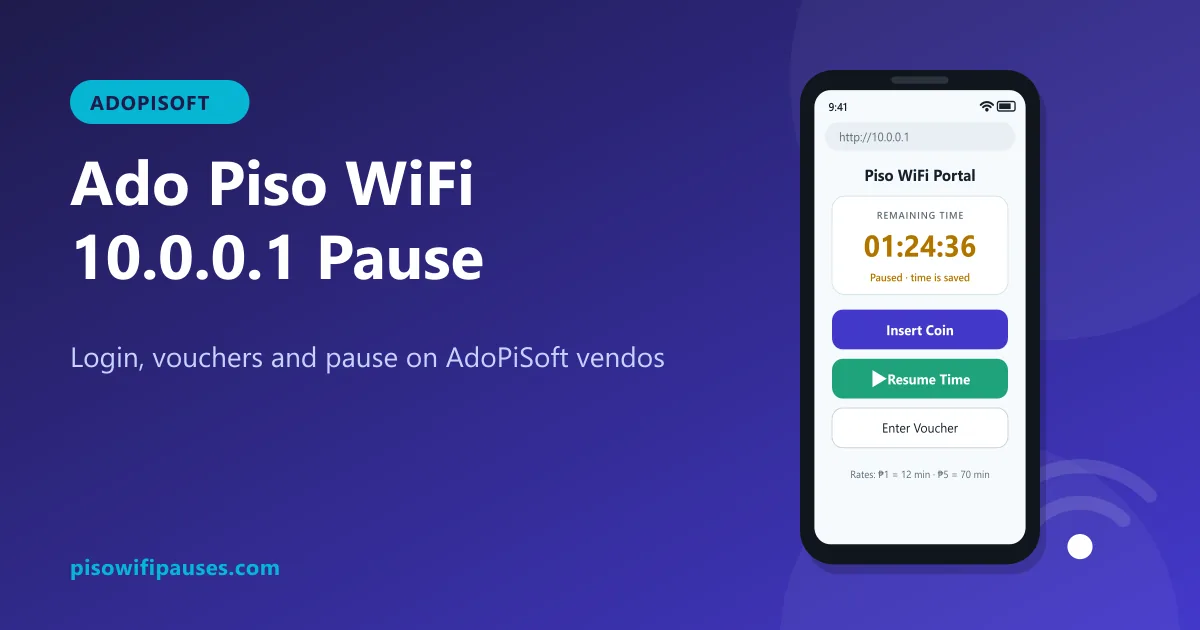
Table of contents
What is AdoPiSoft?
AdoPiSoft, often shortened to "Ado Piso WiFi", is one of the well-known software systems used to run Piso WiFi vendos in the Philippines, alongside systems such as LPB. Owners install it on the small computer inside the machine. It handles coins, vouchers, timers and the customer portal you see at 10.0.0.1.
As a customer, you do not need to install anything. The steps below work on any Ado Piso WiFi machine, though the owner can change colours, logos and which buttons appear.
How to log in on Ado Piso WiFi
- Turn off mobile data and connect to the vendo's Wi-Fi.
- Wait for "Sign in to network", or open your browser and go to
http://10.0.0.1. - The portal shows your device and remaining time. No username or password is needed.
Insert coins or use a voucher
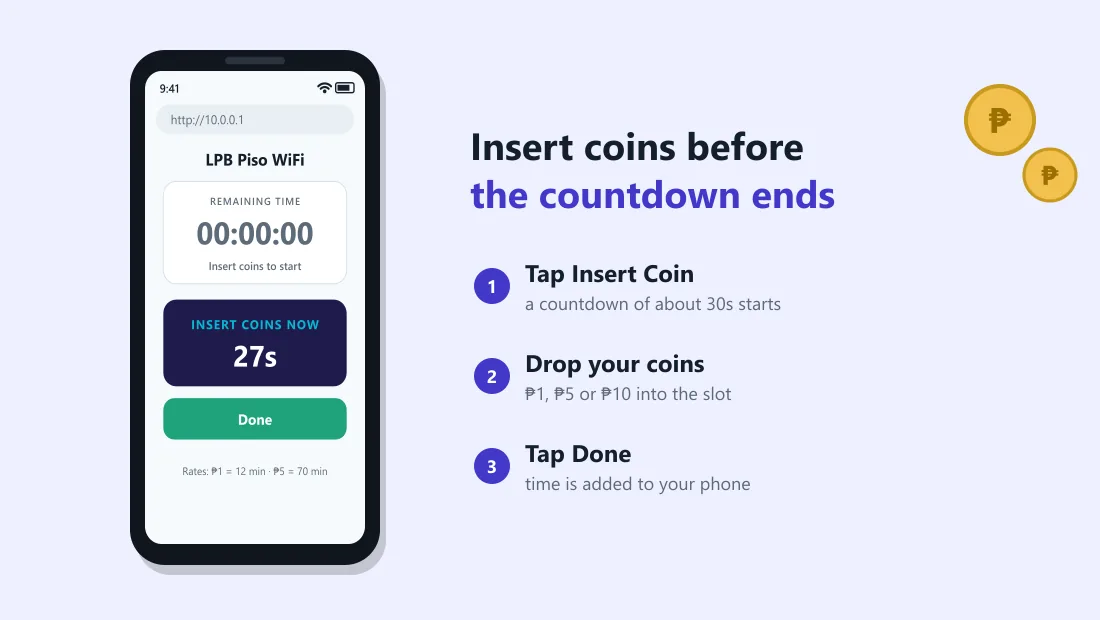
- Tap Insert Coin. A short countdown starts.
- Drop your coins before it ends. The added time appears on the portal.
- For vouchers, tap the voucher option, type the code exactly and submit.
How to pause and resume on AdoPiSoft
- Open
http://10.0.0.1while connected. - In your session area, tap Pause. Your status changes to paused and the countdown stops.
- To continue, connect with the same phone, open
10.0.0.1and tap Resume.
On AdoPiSoft, owners can decide whether pause is allowed and may set it differently for coin time and voucher time. If you see no pause option, it is switched off on that machine.
Ado Piso WiFi admin (owners only)
Owners open the admin panel from a device connected to their own vendo, usually at http://10.0.0.1/admin, and sign in with their owner account. From there they can manage:
- coin rates and bonus time,
- voucher generation and printing,
- pause rules (on or off, limits),
- bandwidth limits and connected devices,
- portal appearance and announcements,
- sales reports.
We do not publish default passwords. Change yours on the first day; read our admin security guide.
AdoPiSoft vs LPB: what changes for customers?
| AdoPiSoft | LPB | |
|---|---|---|
| Customer portal | 10.0.0.1 | 10.0.0.1 |
| Login needed | No | No |
| Pause | Yes, if enabled by owner | Yes, if enabled by owner |
| Vouchers | Supported | Supported |
| Look and button names | Owner can customise | Owner can customise |
For you as a customer, both work almost the same way. The main differences are in the owner's admin menus.
Common Ado Piso WiFi problems
Coin accepted but no time added
Another customer may have tapped Insert Coin at the same time, or the coin slot missed your coin. Tell the owner; they can check coin logs.
10.0.0.1 not opening
Type http:// first, turn off data and VPN, set Private DNS to Automatic. More in the login guide.
Paused time gone
Usually a changed MAC address, a different phone, a pause limit, or the machine restarting. Ask the owner to check your session.
Frequently asked questions
What is Ado Piso WiFi?
Ado Piso WiFi refers to vendos running AdoPiSoft software. Customers use the portal at 10.0.0.1.
How do I pause on AdoPiSoft?
Open http://10.0.0.1 and tap Pause in your session. Resume on the same phone.
What is the AdoPiSoft admin address?
Owners usually use http://10.0.0.1/admin while connected to their own vendo.
Why is there no pause button on this Ado machine?
The owner has disabled pause or limited it to certain time types.
Related guides
 LPB Piso WiFiUse LPB Piso WiFi at 10.0.0.1: log in, insert coins or vouchers, pause and resume your time. In…
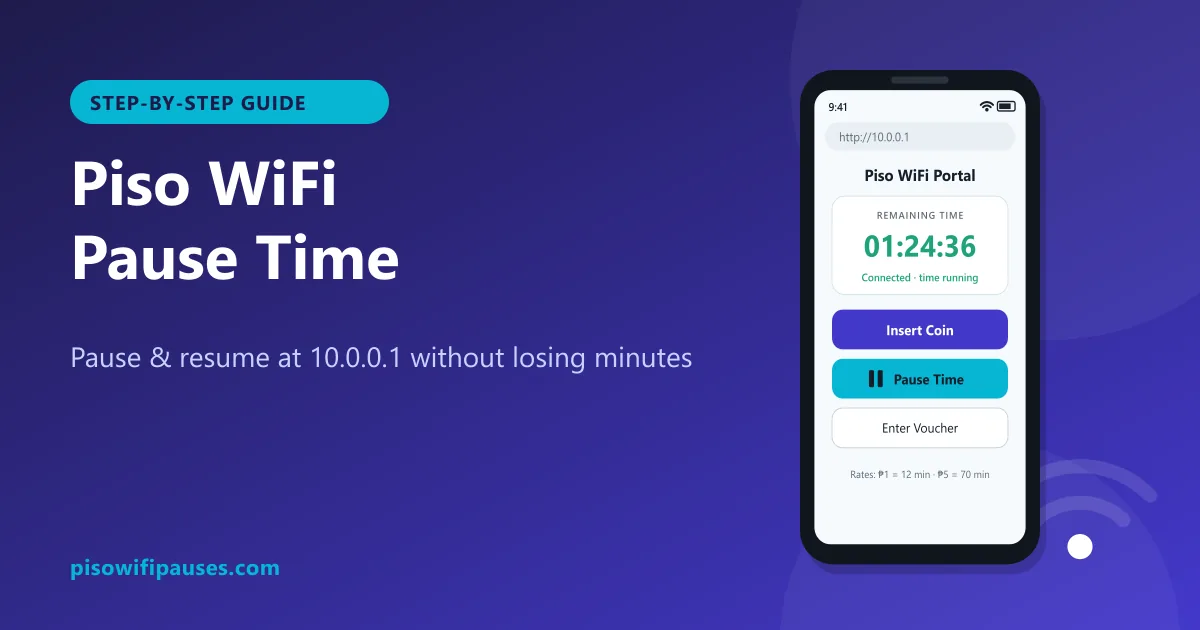 Piso WiFi Pause TimePause your Piso WiFi time at 10.0.0.1 and resume later without losing minutes. Step-by-step gui…
 Piso WiFi Admin & PasswordHow vendo owners log in at 10.0.0.1/admin, change a default password, turn on pause time, and w…