Portal Piso WiFi: How the 10.0.0.1 Sign-In Page Works
http://10.0.0.1, where you insert coins, enter vouchers and pause or resume time. It usually pops up as "Sign in to network" after you connect. If it does not appear, open your browser and type http://10.0.0.1 yourself.The buttons only work while your phone is connected to the Piso WiFi network.
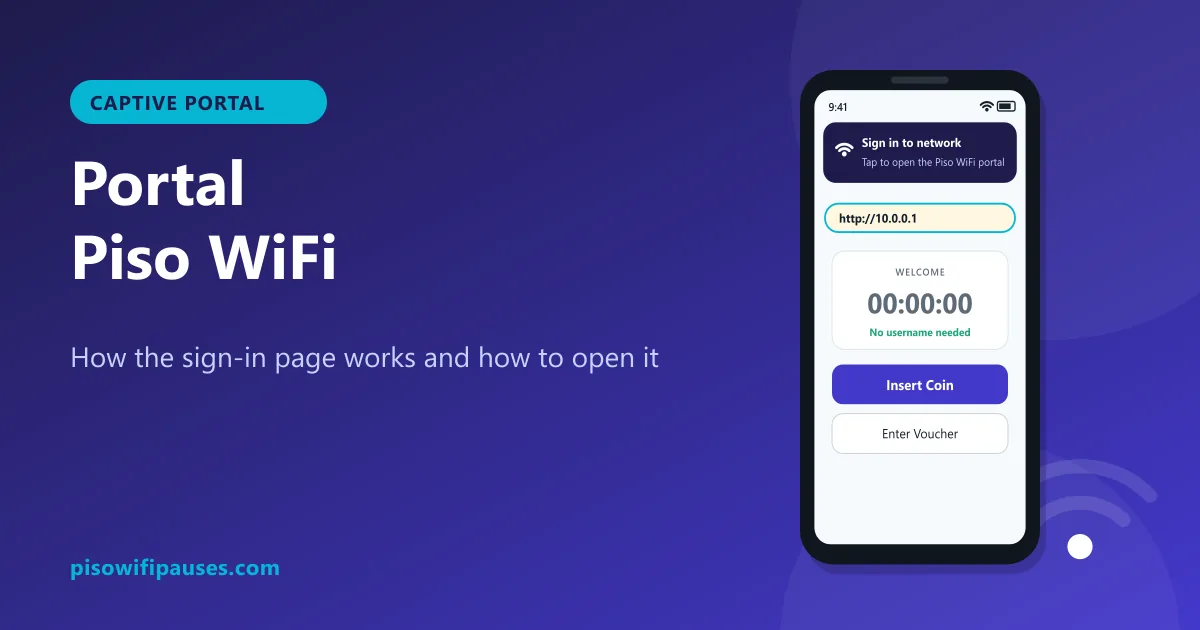
Table of contents
What is a captive portal?
A captive portal is a web page that a Wi-Fi network shows before letting you use the internet. You have seen them in hotels, malls and airports. Piso WiFi uses the same idea: until you pay, the vendo "captures" your browser and sends it to its own page. That page is the portal.
On a Piso WiFi, the portal is served by the small computer inside the vendo, usually at 10.0.0.1. It never leaves the store, which is why it opens even when you have no time left.
What you can do on the portal
- See your remaining time and connection status.
- Tap Insert Coin and drop coins during the countdown.
- Enter a voucher code bought from the store.
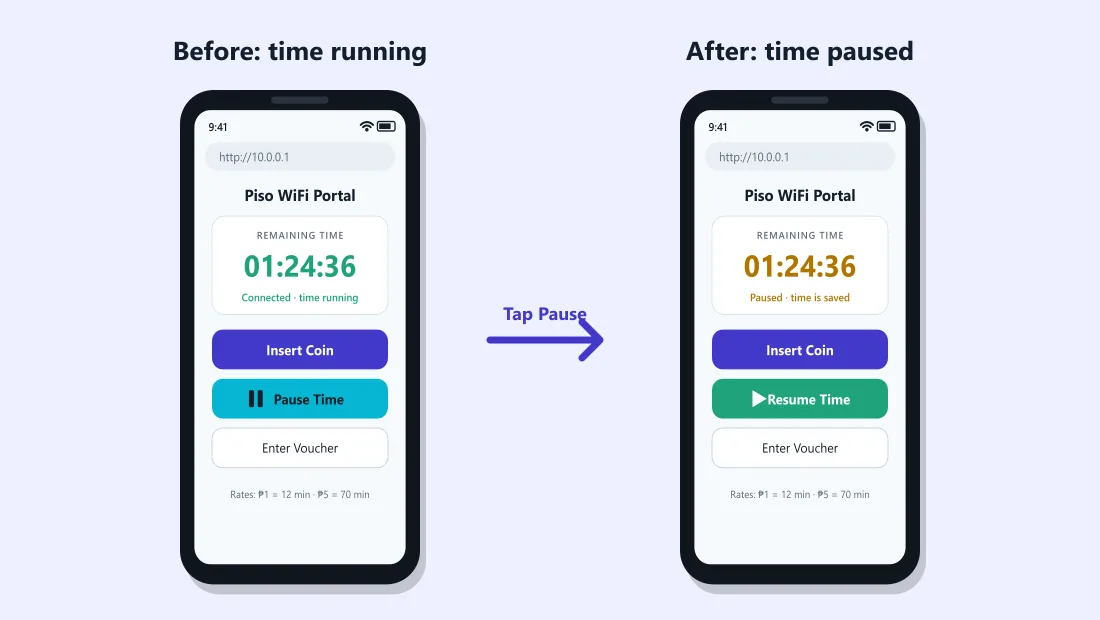
- Tap Pause Time to save minutes and Resume to continue (if the owner enabled it).
- See the store's rates, announcements or contact number.
Why the portal pops up by itself
When your phone joins a Wi-Fi, it quietly checks whether the internet works. On a Piso WiFi with no time, the check fails and your phone shows a notification: "Sign in to network" on Android, a "Log in" sheet on iPhone, or "Action needed" on Windows. Tapping it opens the portal.
Portal not popping up? Open it manually
- Turn off mobile data.
- Make sure you are connected to the Piso WiFi network.
- Open any browser and type
http://10.0.0.1in the address bar. - If that fails, check the Gateway in your Wi-Fi details and open that number instead.
Common reasons the pop-up does not appear
- Private DNS or a DNS-changing app is on. Set Private DNS to Automatic.
- A VPN is running. Turn it off while you use the portal.
- Your phone remembers the network as "no internet" and stopped asking. Open the portal manually.
- You still have paid time. The pop-up only appears when you have no access; open
10.0.0.1to see your timer.
Portal opens but looks broken
- Blank or half-loaded page: weak signal. Move closer and reload.
- "Not secure" warning: normal for local http pages; tap Continue. See Chrome fixes.
- Old timer numbers: refresh the page or clear cache.
- Buttons not responding: tap once and wait; the vendo may be busy with another customer's coin countdown.
Is the Piso WiFi portal safe?
A real Piso WiFi portal never asks for your name, phone number, Facebook, Google or GCash password. Be suspicious if a page:
- asks for any account login or OTP,
- tells you to install an app to "activate" Wi-Fi,
- appears at an address that is not on the vendo sticker or your gateway.
If in doubt, disconnect and ask the store owner.
For owners: making a good portal
- Show rates clearly, including bonus time for ₱5 and ₱10.
- Say whether pause is available and for how long.
- Add your store name and contact for coin problems.
- Keep banners light so the portal loads fast on weak signal.
Portal design options are in your admin panel. See our admin guide.
Frequently asked questions
What is the Piso WiFi portal?
The page at http://10.0.0.1 where you insert coins, enter vouchers and pause or resume time.
Why does "Sign in to network" appear?
Your phone detected that the Wi-Fi needs a login page. Tap it to open the Piso WiFi portal.
How do I open the portal if it does not pop up?
Turn off mobile data and type http://10.0.0.1 in your browser address bar.
Does the portal ask for my personal details?
No. A real Piso WiFi portal never asks for passwords, OTPs or account logins.
Related guides
 Piso WiFi LoginHow to log in to the Piso WiFi portal at 10.0.0.1 as a customer or owner. Fix a portal that wil…
 Piso WiFi Pause TimePause your Piso WiFi time at 10.0.0.1 and resume later without losing minutes. Step-by-step gui…
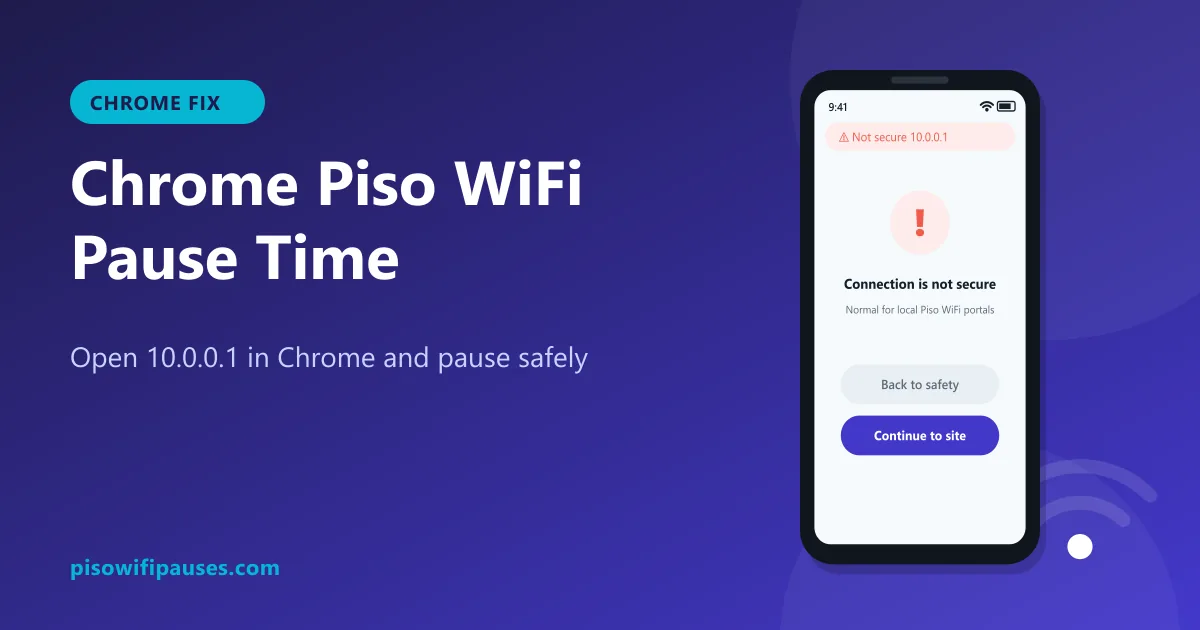 Chrome Piso WiFi Pause TimeChrome blocking http://10.0.0.1 or showing "Not secure"? Fix it in seconds and pause your Piso …