Piso WiFi Admin Login and Password: Owner Guide to 10.0.0.1/admin
http://10.0.0.1/admin while connected to its Wi-Fi. Log in with the account from your seller or setup manual, then change the password immediately. Customers never need the admin page or a password; they only use 10.0.0.1.Only works while connected to your own vendo's Wi-Fi.
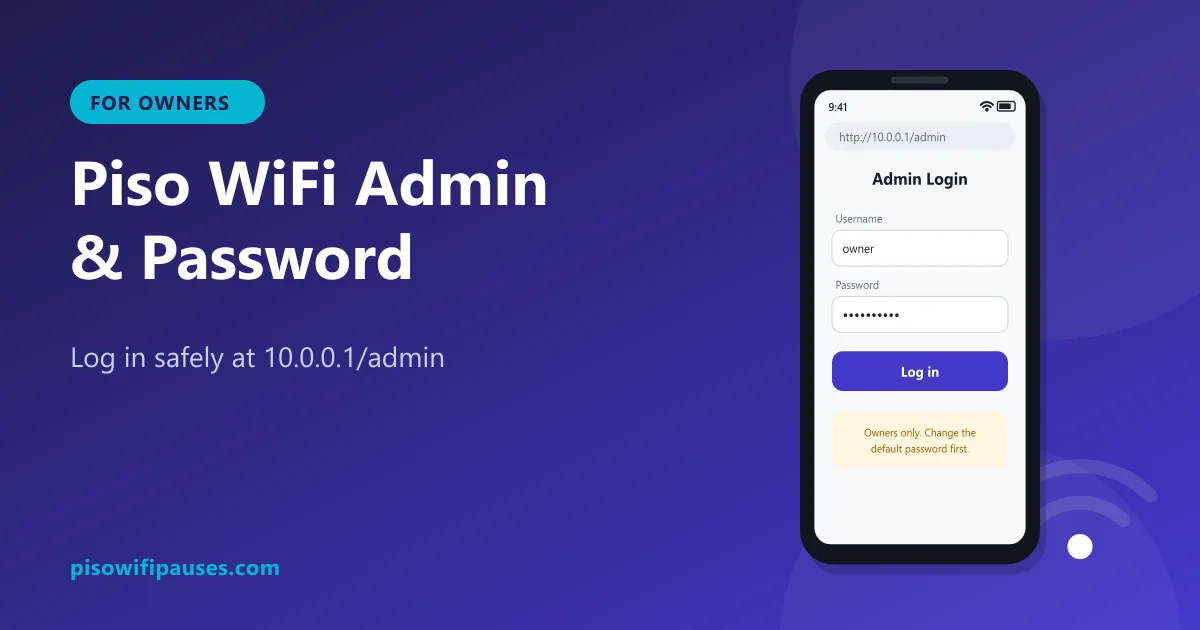
Table of contents
Who should use the admin page?
The admin panel is for the owner or authorised operator of a Piso WiFi machine. It controls rates, vouchers, pause rules, sales reports and network settings. Customers who want to pause or check time should use the normal portal at 10.0.0.1, which needs no login.
How to log in to the admin panel
- Connect your phone or laptop to your own vendo's Wi-Fi.
- Open a browser and go to
http://10.0.0.1/admin. Some systems use a different path; check your manual. - Enter the username and password provided by your seller or installer.
- You are now in the dashboard: sales, active users, settings.
Change the default password on day one
Every customer on your Wi-Fi can open the admin login page. Default passwords are often shared online and in seller groups. If you keep the default, anyone can change your rates, create vouchers or give themselves free time.
- Use at least 12 characters with letters, numbers and a symbol.
- Do not reuse your Facebook, email or GCash password.
- Write it down and keep it somewhere safe, away from the machine.
- Change it again if an employee or relative who knew it stops helping you.
Settings most owners change first
| Setting | What it does | Tip |
|---|---|---|
| Rates | Minutes per ₱1, ₱5, ₱10 | Add bonus minutes for bigger coins |
| Pause time | Lets customers pause sessions | Turn it on; it builds loyalty |
| Max pause duration | How long time stays paused | Several hours to a day is fair |
| Vouchers | Printed codes for prepaid time | Good for regular customers |
| Bandwidth per user | Speed limit per device | Prevents one user slowing everyone |
| Wi-Fi name | Network name customers see | Use your store name |
Menu names differ by software. See LPB and AdoPiSoft for platform notes, and vendo pause settings for fair pause rules.
Forgot your admin password?
There is no universal reset trick, and we do not recommend random methods found online. Safe options:
- Contact your seller or installer. Most can reset the admin account or guide you through it.
- Check your software's official support (the developer's page or official group) for a password recovery process.
- Re-install the software image on the memory card if your seller provides it. This usually erases settings and sessions, so do it during closing hours and note your rates first.
Keep the admin panel secure
- Log out after making changes, especially on shared devices.
- Do not save the admin password in a customer-facing phone.
- Keep the vendo software updated with official versions only.
- Change the router or access point password too, not only the vendo password. See TP-Link notes.
- Check the sales and voucher logs regularly for anything unusual.
Frequently asked questions
What is the Piso WiFi admin address?
On most systems it is http://10.0.0.1/admin, opened while connected to the vendo Wi-Fi.
What is the default admin password?
It depends on the seller and software. We do not publish defaults; get it from your seller and change it immediately.
Do customers need the admin password to pause?
No. Customers pause at 10.0.0.1 without any login.
How do I reset a forgotten admin password?
Contact your seller or the software's official support. Re-installing the software image may erase settings.
Related guides
 Piso WiFi Vendo Pause TimeHow a Piso WiFi vendo machine pauses and resumes your time at 10.0.0.1, why pause sometimes fai…
 LPB Piso WiFiUse LPB Piso WiFi at 10.0.0.1: log in, insert coins or vouchers, pause and resume your time. In…
 Ado Piso WiFiHow to use AdoPiSoft (Ado Piso WiFi) at 10.0.0.1: login, insert coins, vouchers, pause and resu…