What Is Piso WiFi? How It Works, Rates and Minutes per Peso
10.0.0.1, drop coins (₱1, ₱5, ₱10) and get minutes of internet. Rates are set by each owner, commonly around 10 to 15 minutes per peso, and many machines let you pause unused time.The buttons only work while your phone is connected to the Piso WiFi network.
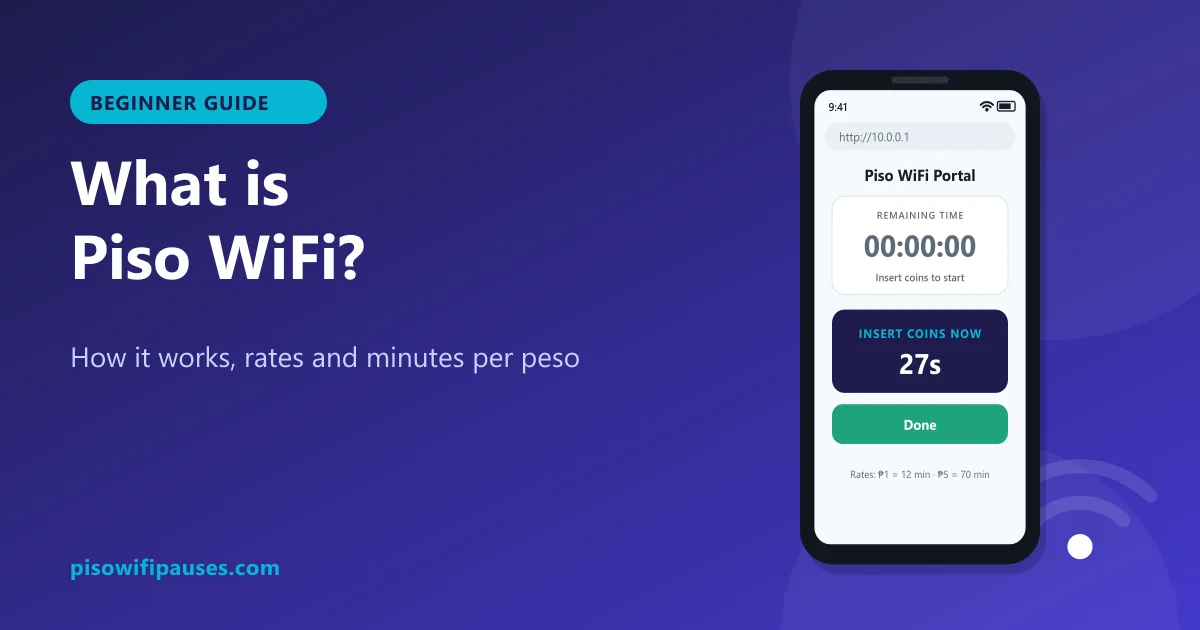
Table of contents
Piso WiFi in simple words
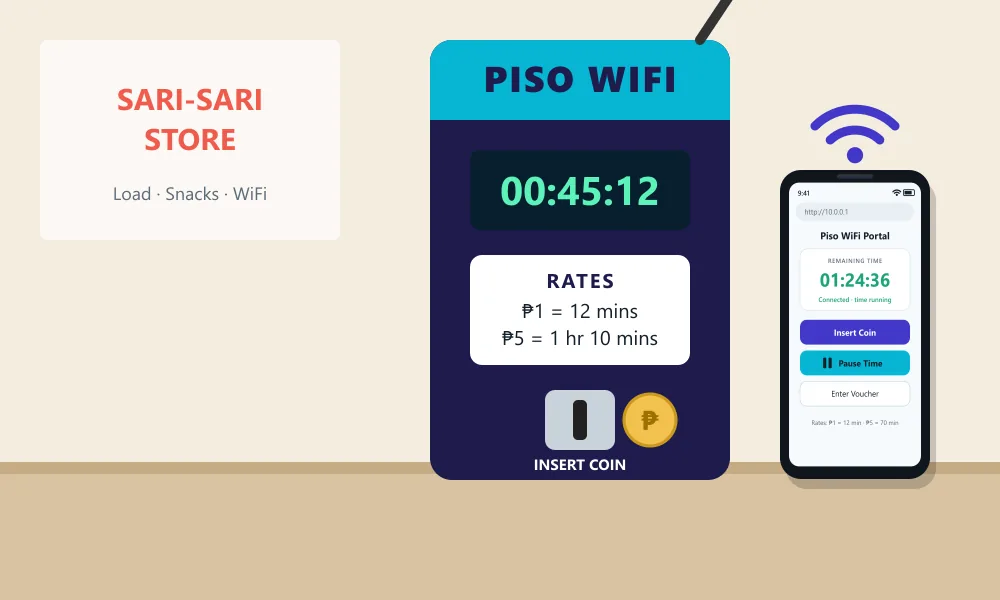
"Piso" is the Filipino word for peso. A Piso WiFi is a small vending machine, usually fixed to a wall outside a sari-sari store, boarding house, school area or barangay hall, that sells internet time for coins. It shares the owner's internet connection with anyone nearby who pays.
It became popular because it is cheap, flexible and needs no subscription or contract. You pay only for the minutes you need, which suits students, workers, riders and families who do not have home internet or want to save mobile data.
How Piso WiFi works, step by step
- Connect to the vendo's Wi-Fi network on your phone or laptop.
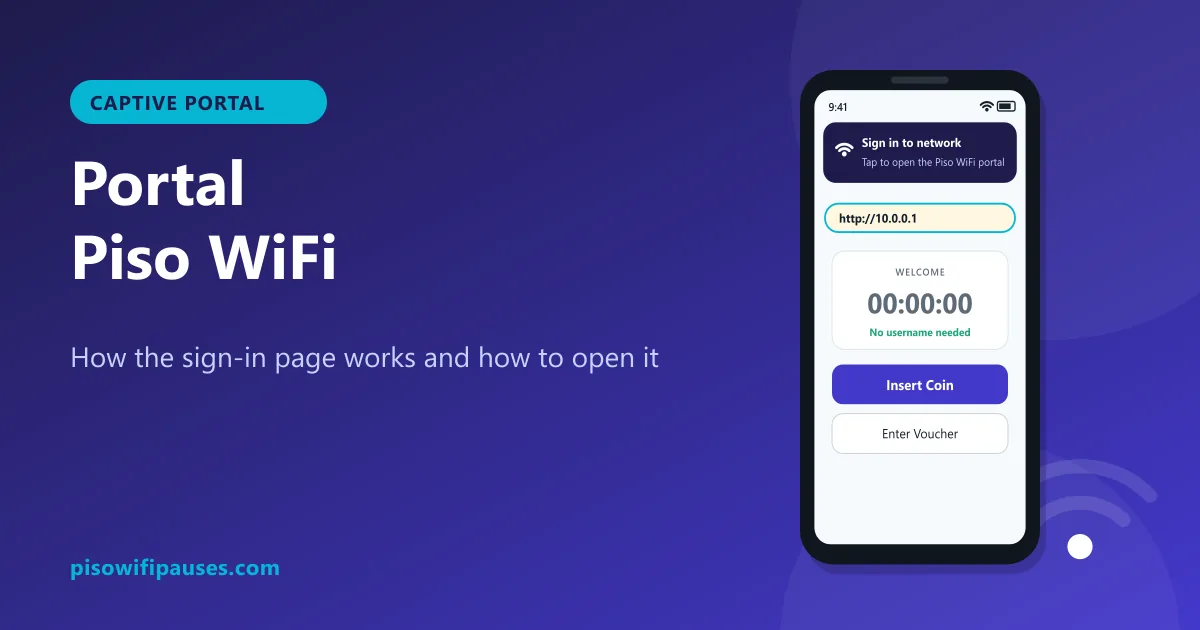
- The portal opens at
10.0.0.1(or open it yourself). - Tap Insert Coin and drop coins during the short countdown, or enter a voucher.
- Browse. Your minutes count down while you use the internet.
- Pause if you need to stop and save time, then Resume later on the same device.
Behind the scenes, a small computer inside the vendo runs software such as LPB or AdoPiSoft. It counts coins, keeps each device's timer and blocks devices that have no time.
How many minutes do you get per peso?
There is no national rate. Each owner sets prices based on their internet cost and location. Common examples:
| Coin | Typical time | Notes |
|---|---|---|
| ₱1 | about 10 to 15 minutes | Good for quick messages |
| ₱5 | about 1 hour to 1 hour 20 minutes | Often includes bonus minutes |
| ₱10 | about 2 to 3 hours | Best value on many machines |
| Vouchers | Varies (daily, weekly) | Sold by the store, if available |
These are only examples. Always read the rate sticker on the machine. Calculate your time here:
Piso WiFi minutes calculator
Rates are set by each machine owner. Check the sticker on the vendo, then enter the numbers.
What is Piso WiFi pause time?
Pause time lets you freeze your countdown so unused minutes are not wasted. Tap Pause Time on the portal, and the vendo saves your remaining minutes. Tap Resume later to continue. Owners decide whether pause is available and for how long. Full steps: Piso WiFi pause time guide.
Is Piso WiFi 24/7?
Many machines run day and night, but it depends on the owner. Some turn off the vendo or the internet at night, during brown-outs, or when the store closes. If you plan to pause overnight, ask whether the machine stays on and whether paused time survives a restart.
Is Piso WiFi safe?
For normal browsing, social media and videos, Piso WiFi is generally fine. It is still a shared public network, so:
- Prefer apps and websites that use https (a lock icon).
- Avoid online banking on any public Wi-Fi when possible, or use mobile data for it.
- Never type passwords, OTPs or GCash details on the Piso WiFi portal; it never needs them.
- Do not install "free time" apps; they are scams. See pause time app warning.
Pros and cons of Piso WiFi
| Pros | Cons |
|---|---|
| Very cheap for short use | Speed is shared and can be slow at busy times |
| No contract or account needed | Signal is limited to near the machine |
| Pay only for what you use | Rates and pause rules vary by owner |
| Available in many barangays | Coins can get stuck; refunds depend on the owner |
Running a Piso WiFi as a small business
Many families start a Piso WiFi to earn extra income. You need a vendo (machine and software), a reliable internet plan or Starlink in remote areas, good Wi-Fi coverage, and clear rates. Customers prefer stores with fair rates, working pause time and an owner who fixes coin problems quickly. Our vendo guide and admin guide cover the basics.
Frequently asked questions
What is Piso WiFi?
Coin-operated Wi-Fi in the Philippines. You drop coins into a vendo and get minutes of internet through the portal at 10.0.0.1.
How many minutes is ₱1 on Piso WiFi?
Commonly about 10 to 15 minutes, but each owner sets their own rate. Check the sticker.
Can I pause Piso WiFi time?
Yes, on machines where the owner enabled pause. Tap Pause Time at 10.0.0.1.
Is Piso WiFi available 24/7?
Often, but it depends on the owner and power. Ask the store.
Is Piso WiFi safe?
Fine for browsing. Avoid banking on public Wi-Fi and never enter passwords on the portal.
Related guides
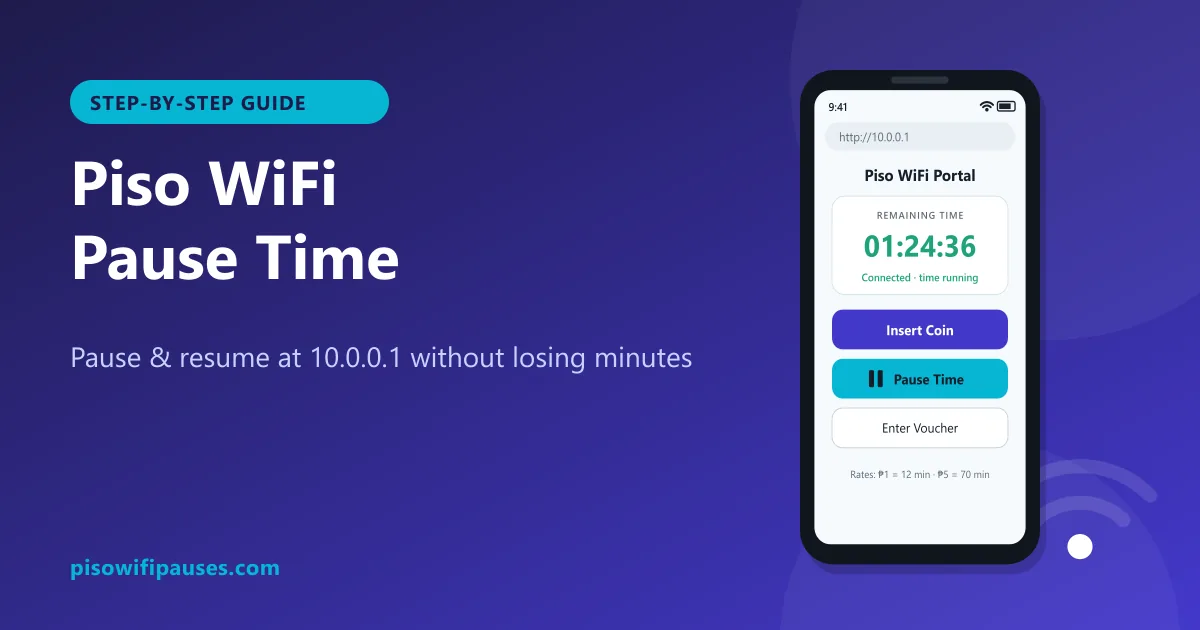 Piso WiFi Pause TimePause your Piso WiFi time at 10.0.0.1 and resume later without losing minutes. Step-by-step gui…
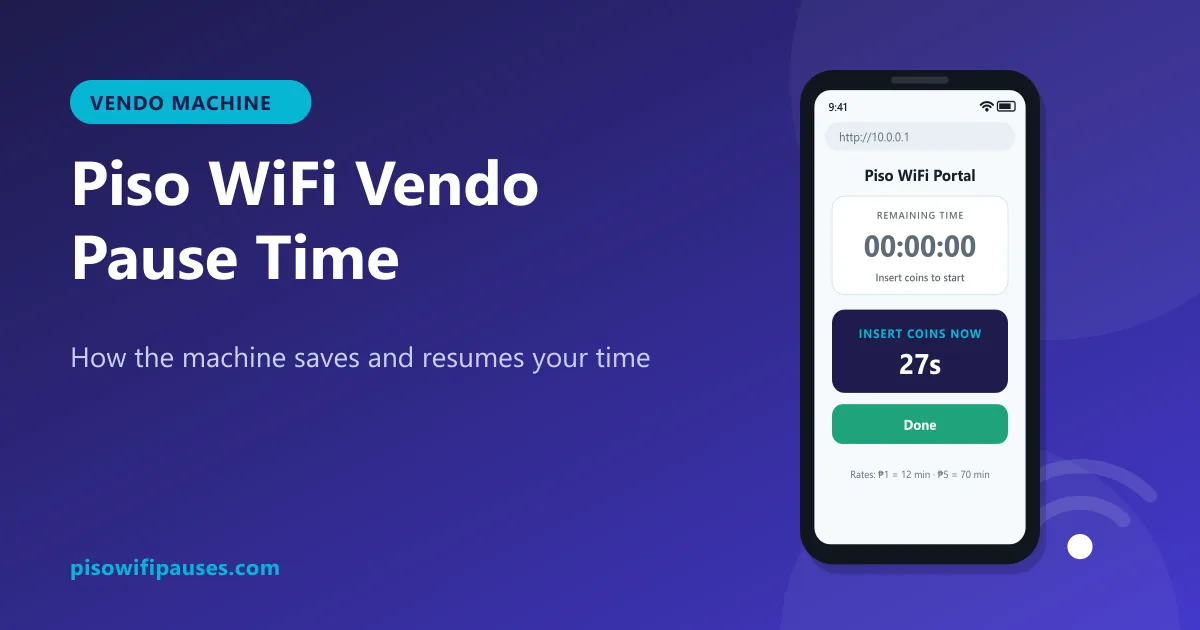 Piso WiFi Vendo Pause TimeHow a Piso WiFi vendo machine pauses and resumes your time at 10.0.0.1, why pause sometimes fai…
 Portal Piso WiFiWhat the Piso WiFi portal is, why the "Sign in to network" page appears, how to open it manuall…