LPB Piso WiFi 10.0.0.1: Login, Pause Time and Admin Guide
http://10.0.0.1. Insert a coin or enter a voucher, then use Pause Time under the timer to save minutes. Owners manage the machine at http://10.0.0.1/admin.The buttons only work while your phone is connected to the Piso WiFi network.
Table of contents
What is LPB Piso WiFi?
LPB is one of the most common Piso WiFi systems in the Philippines. Small business owners use it to sell Wi-Fi by the minute through a coin vendo. The LPB software runs on a small computer board inside the machine and shows customers a portal page at 10.0.0.1.
As a customer, you never install anything. You connect, drop a coin, and browse. Owners use the same address with /admin to set rates, vouchers and pause rules.
LPB Piso WiFi login for customers
- Open Wi-Fi settings and connect to the LPB Piso WiFi network. The name is chosen by the owner, often the store name.
- Wait for the portal to open by itself. If it does not, open your browser and type
http://10.0.0.1. - You will see your device status and remaining time. New devices show 00:00.
There is no username or password for customers. The machine recognises your phone automatically. If you see a login form asking for a password, you are on the admin page. Go back to 10.0.0.1 without /admin.
How to insert coins or use a voucher on LPB
Coins
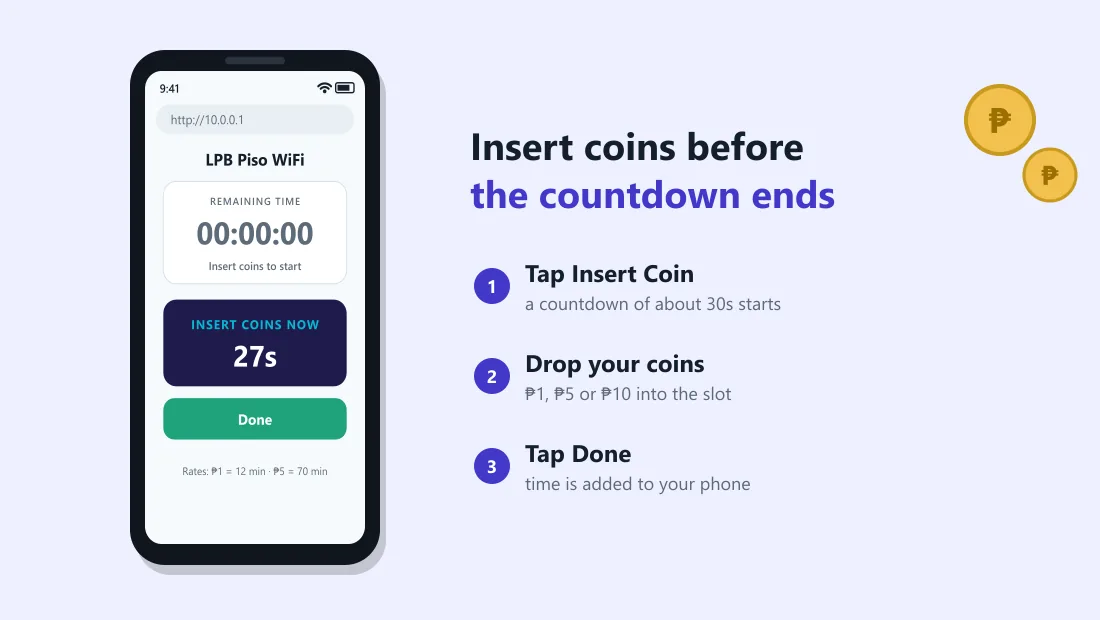
- Tap Insert Coin on the portal. A countdown appears (often around 30 seconds).
- Drop your coins into the slot before the countdown ends.
- Tap Done or wait. The time is added to your phone.
Only one person can insert coins at a time. If someone else tapped Insert Coin first, wait for their countdown to finish, or your coins may go to their phone.
Voucher codes
Some stores sell printed vouchers. Tap Voucher, type the code exactly (letters and numbers), and tap Submit. Each code works once.
How to pause and resume time on LPB Piso WiFi
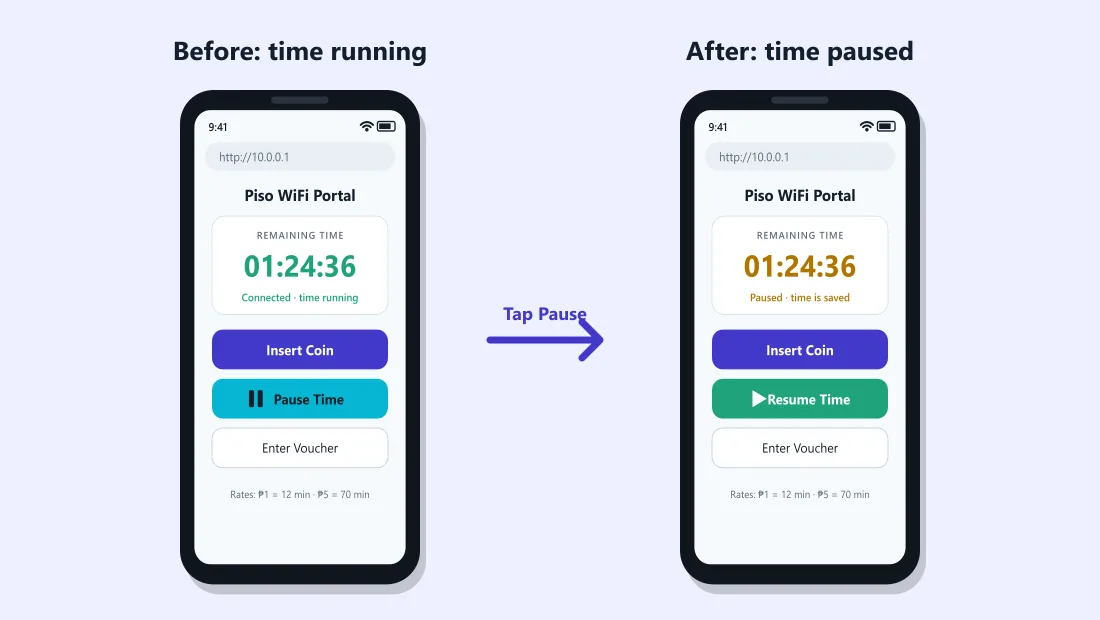
- Open
http://10.0.0.1while connected. - Tap Pause Time below the timer. The status shows Paused and your internet stops.
- To continue, connect again with the same phone, open
10.0.0.1and tap Resume.
If you do not see the button, the owner has not enabled pause on that machine. Read why the pause button is missing.
LPB admin login (for owners)
If you own the vendo, you manage it from the admin panel:
- Connect to your LPB Wi-Fi with your phone or laptop.
- Open
http://10.0.0.1/admin. - Log in with the admin username and password from your seller or setup manual.
- Change the password immediately if you are still using the default one.
We do not publish default passwords. Every customer near your machine can reach the admin page, so a default password lets strangers change your rates or give themselves free time.
LPB settings owners usually change
| Setting | What it does | Suggestion |
|---|---|---|
| Rates | How many minutes each coin gives | Give bonus time for ₱5 and ₱10 to encourage bigger coins |
| Pause time | Lets customers pause their session | Turn on. Customers return to stores that let them save time |
| Max pause duration | How long a session can stay paused | Several hours or one day is fair |
| Vouchers | Generate printed codes | Useful for regulars and for selling bundles |
| Bandwidth limit | Speed per user | Set a fair cap so one user cannot slow down everyone |
| Wi-Fi name (SSID) | Network name customers see | Use your store name so people find you |
Menu names change between LPB versions. If you cannot find a setting, check with the seller who set up your machine.
Common LPB Piso WiFi problems
"Insert coin" accepted my coin but no time was added
Someone else may have tapped Insert Coin at the same time, or the coin slot did not register the coin. Tell the owner; they can see coin logs in the admin panel and add time manually.
10.0.0.1 shows a blank page
Type http://10.0.0.1 with http://, turn off mobile data and VPN, and try Chrome. More fixes in the login guide.
Connected but no internet
Your time may have run out, or the store's internet (PLDT, Globe, Converge, Starlink) may be down. Check your timer at 10.0.0.1 first.
I typed 10.0.0.0.1
That address does not exist. Use 10.0.0.1. See 10.0.0.0.1 explained.
Frequently asked questions
What is the LPB Piso WiFi login address?
Customers use http://10.0.0.1. Owners use http://10.0.0.1/admin.
Do I need a password for LPB Piso WiFi?
No. Customers only connect and insert coins. A password is only needed for the owner admin page.
How do I pause time on LPB Piso WiFi?
Open 10.0.0.1 and tap Pause Time below the timer. Resume later on the same phone.
Why can I not pause on this LPB machine?
The owner has disabled pause time or set a pause limit. Only the owner can change it in the admin panel.
How long does LPB keep paused time?
It depends on the owner setting for maximum pause duration. Ask the store if you plan to pause for a long time.
Can I use LPB Piso WiFi on a laptop?
Yes. Connect the laptop to the Wi-Fi and open http://10.0.0.1 in any browser. Time on a laptop is separate from time on your phone.
Related guides
 Piso WiFi Pause TimePause your Piso WiFi time at 10.0.0.1 and resume later without losing minutes. Step-by-step gui…
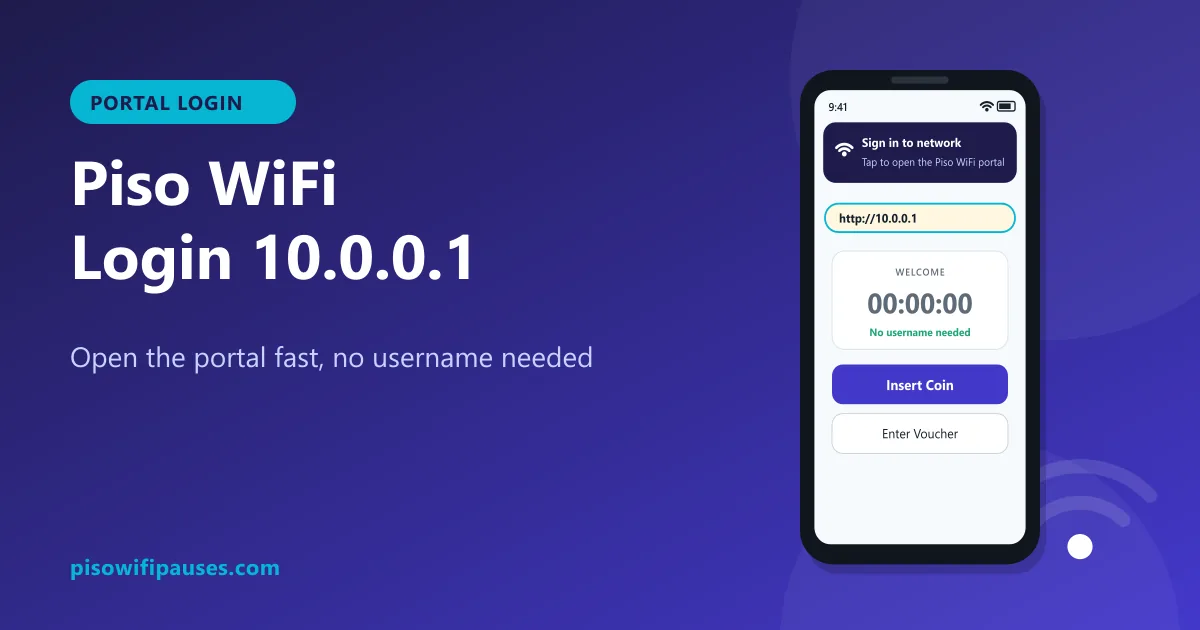 Piso WiFi LoginHow to log in to the Piso WiFi portal at 10.0.0.1 as a customer or owner. Fix a portal that wil…
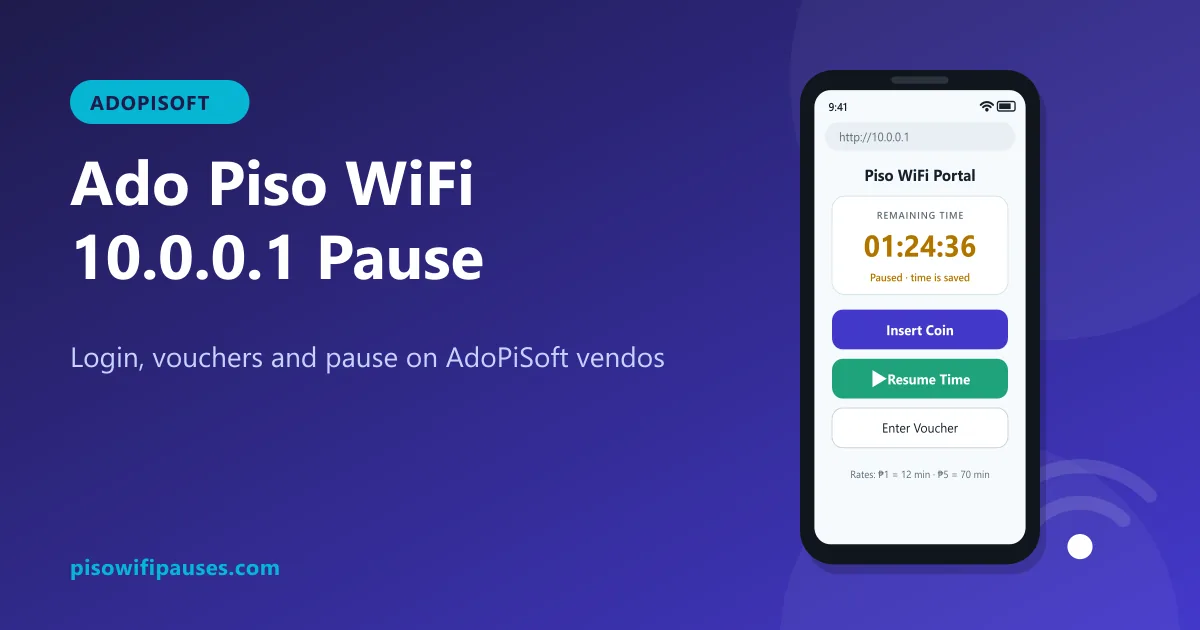 Ado Piso WiFiHow to use AdoPiSoft (Ado Piso WiFi) at 10.0.0.1: login, insert coins, vouchers, pause and resu…
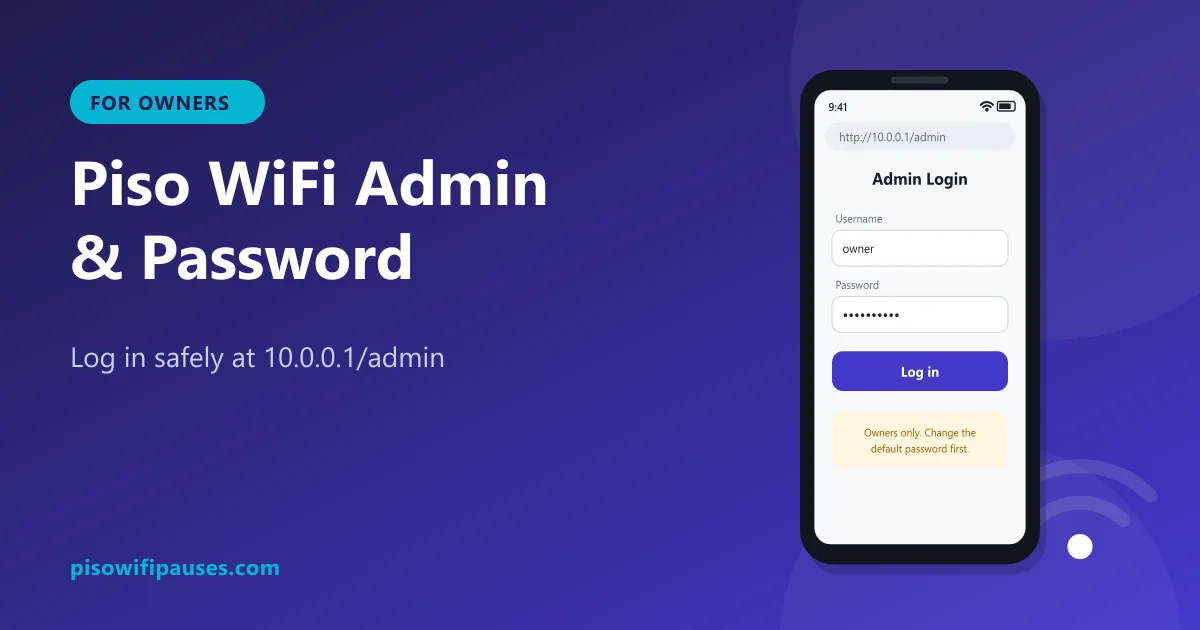 Piso WiFi Admin & PasswordHow vendo owners log in at 10.0.0.1/admin, change a default password, turn on pause time, and w…