Piso WiFi Login at 10.0.0.1: Customer and Admin Portal Guide
http://10.0.0.1. Customers do not need a username or password. Owners log in at http://10.0.0.1/admin.The buttons only work while your phone is connected to the Piso WiFi network.
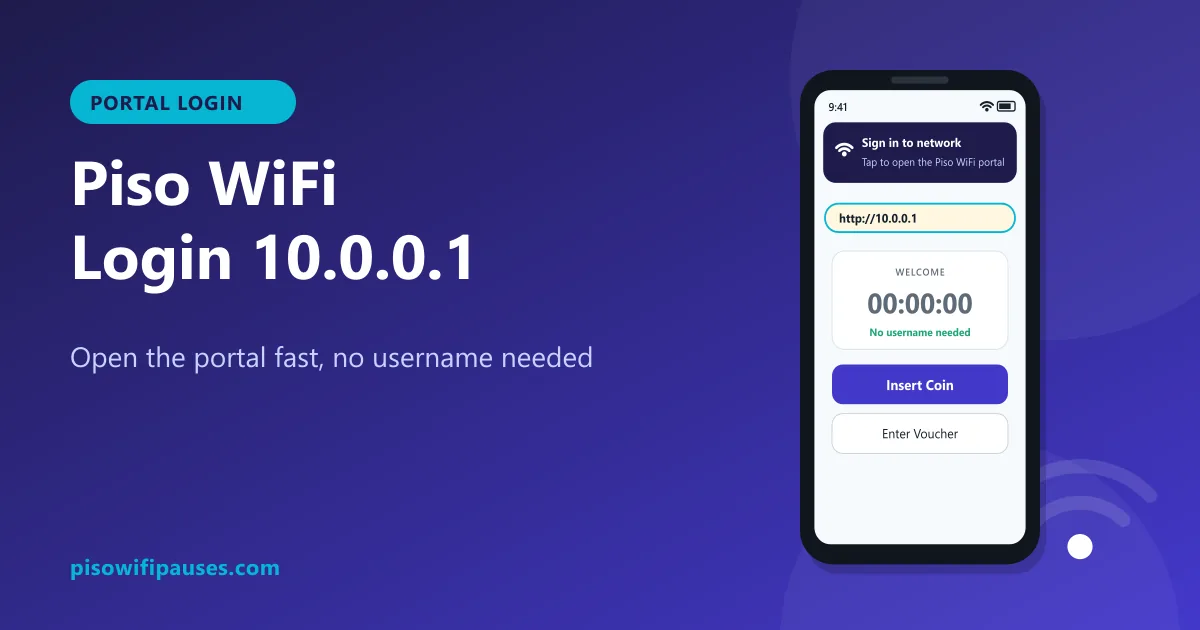
Table of contents
Two kinds of Piso WiFi login
| Customer login | Owner (admin) login | |
|---|---|---|
| Address | http://10.0.0.1 | http://10.0.0.1/admin |
| Username / password | Not needed | Needed |
| What you can do | Insert coin, voucher, pause, resume, check time | Rates, vouchers, pause settings, sales, Wi-Fi name |
The search term "Piso WiFi pause time login" almost always means the customer page. You do not need an account to pause.
How to log in as a customer
- Turn off mobile data. Otherwise your phone may ignore the Wi-Fi and send you to Google.
- Connect to the Piso WiFi network in Wi-Fi settings.
- Wait for the pop-up ("Sign in to network" on Android, "Log in" on iPhone). Tap it.
- No pop-up? Open your browser and type
http://10.0.0.1in the address bar, not in the search box. - You are in. Insert a coin, enter a voucher, or tap Pause/Resume. See the full pause time guide.
Portal will not open? Try these fixes
- Check the address. It is
10.0.0.1. Not 10.0.0.0.1, not 1.0.0.1. See common typos. - Add http:// at the start. Some browsers try https and fail.
- Turn off VPN and ad-blocker apps.
- Set Private DNS to Automatic (Android: Settings → Connections → More connection settings → Private DNS).
- Forget the network and reconnect. Note: on phones with a random MAC address this may create a "new device", so pause your time first.
- Try another browser (Chrome, Samsung Internet, Firefox, Safari).
- Move closer to the vendo. A weak signal can connect but not load pages.
- Still nothing? The machine may be off or restarting. Ask the store owner.
How to find your Piso WiFi's real address
Most machines use 10.0.0.1, but a few use something else. To find the right one:
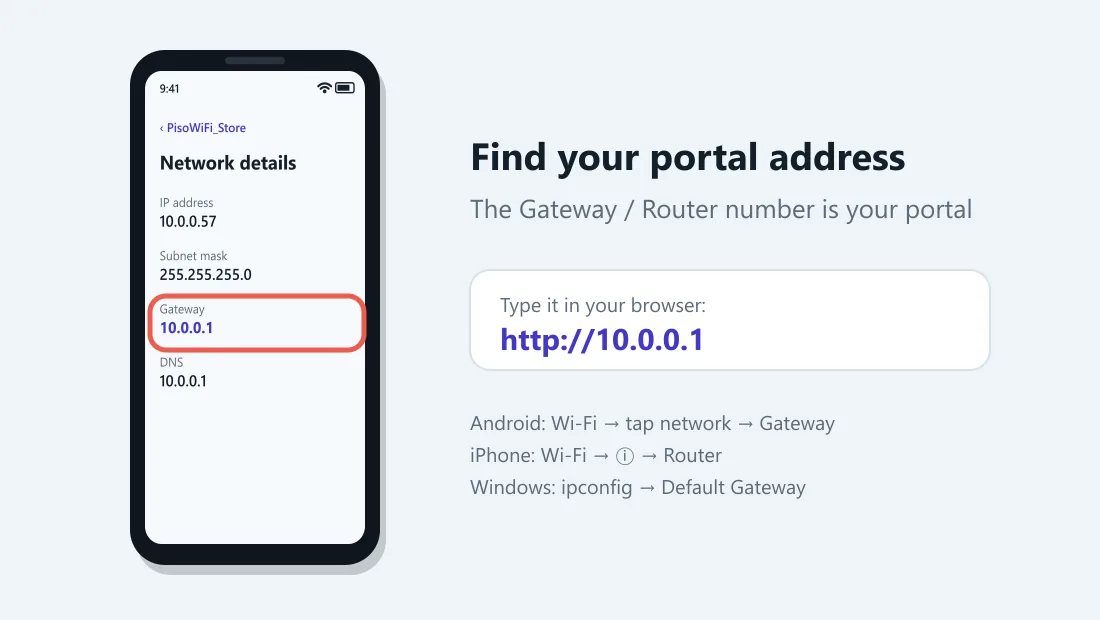
On Android
Settings → Wi-Fi → tap the connected network → look for Gateway or Router. That number is the portal address.
On iPhone
Settings → Wi-Fi → tap ⓘ next to the network → look at Router.
On Windows
Open Command Prompt, type ipconfig and press Enter. Look at Default Gateway under the Wi-Fi adapter.
Type whatever number you find into the browser with http:// in front.
Owner login: 10.0.0.1/admin
Owners open http://10.0.0.1/admin while connected to their own machine and log in with the account from their setup manual or seller. For LPB-specific menus, see our LPB Piso WiFi guide.
Is it safe to log in to Piso WiFi?
The customer portal never needs your personal details. Be careful if any page:
- asks for your Facebook, Google or GCash password,
- asks you to download an "app" to get free time,
- appears on an address other than the one on your machine's sticker or gateway.
These are signs of a fake portal. Disconnect and tell the store owner.
Frequently asked questions
What is the Piso WiFi login address?
http://10.0.0.1 for customers and http://10.0.0.1/admin for owners, on most machines.
Do I need a username and password for Piso WiFi?
Customers do not. Only the owner admin page asks for a login.
Why does 10.0.0.1 open Google search?
You typed it in the search box, or mobile data is on. Turn off data and type http://10.0.0.1 in the address bar.
Is there a Piso WiFi app?
Customers do not need an app. Everything works in the browser at 10.0.0.1. Be careful with apps that promise free time.
What is the Piso WiFi pause time login?
It is the same customer portal at 10.0.0.1. Open it and tap Pause Time; no account is needed.
Related guides
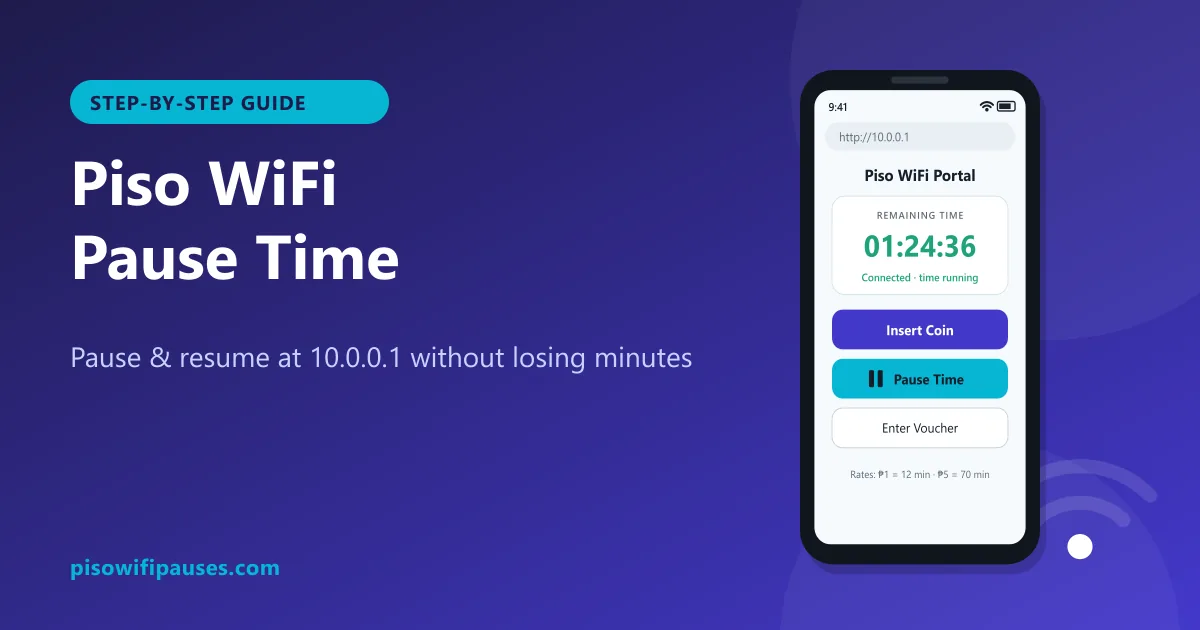 Piso WiFi Pause TimePause your Piso WiFi time at 10.0.0.1 and resume later without losing minutes. Step-by-step gui…
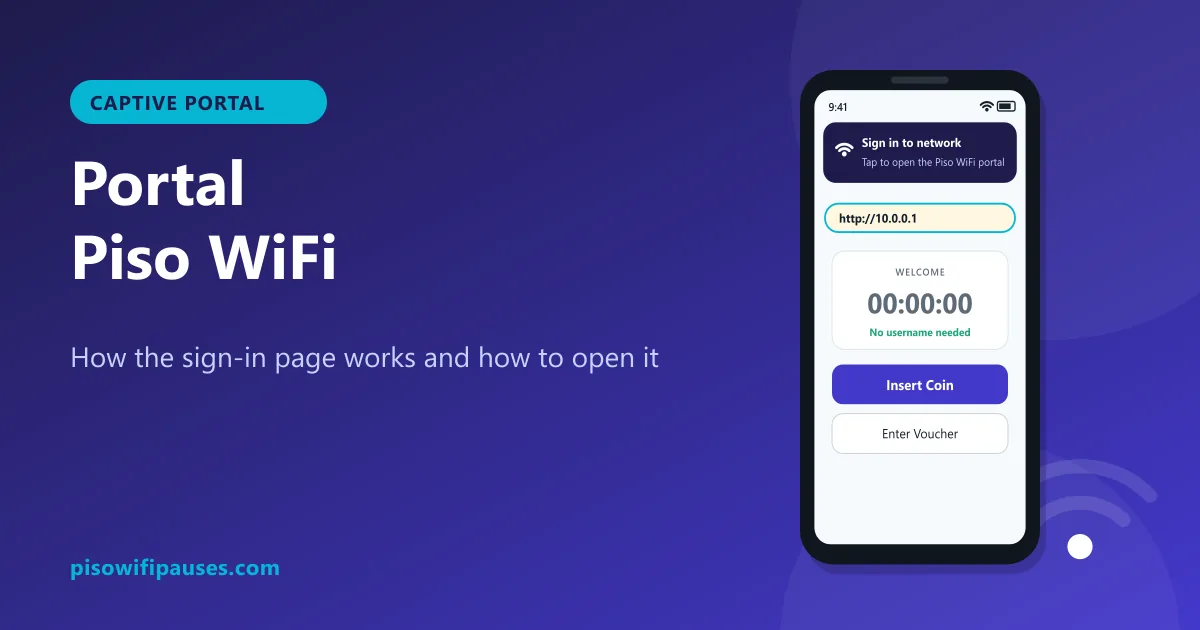 Portal Piso WiFiWhat the Piso WiFi portal is, why the "Sign in to network" page appears, how to open it manuall…
 Chrome Piso WiFi Pause TimeChrome blocking http://10.0.0.1 or showing "Not secure"? Fix it in seconds and pause your Piso …
 Piso WiFi on WindowsUse Piso WiFi on a Windows 10 or 11 laptop: connect, open 10.0.0.1, pause and resume, turn off …