Piso WiFi Pause Time (10.0.0.1): How to Pause and Resume Your Time
http://10.0.0.1 in your browser and tap Pause Time. Your remaining minutes stop counting down. To continue, open 10.0.0.1 again on the same phone and tap Resume.The buttons only work while your phone is connected to the Piso WiFi network.
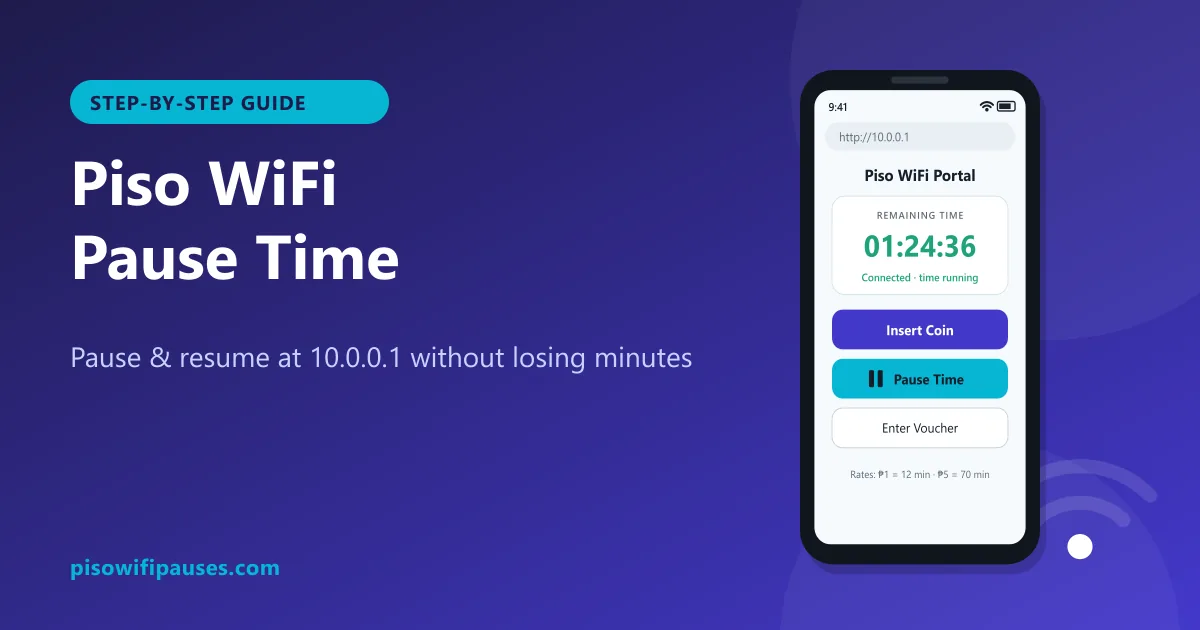
Table of contents
- What is Piso WiFi pause time?
- How to pause Piso WiFi time (step by step)
- How to resume your paused time
- Private MAC address: the #1 reason people lose paused time
- Pausing in Chrome and other browsers
- Why the pause button is missing
- Pause time on LPB, AdoPiSoft and other platforms
- Wrong address? 10.0.0.0.1, 1.0.0.0.1 and other typos
- How many minutes do I get?
- Troubleshooting pause and resume
- For vendo owners: how to turn on pause time
What is Piso WiFi pause time?
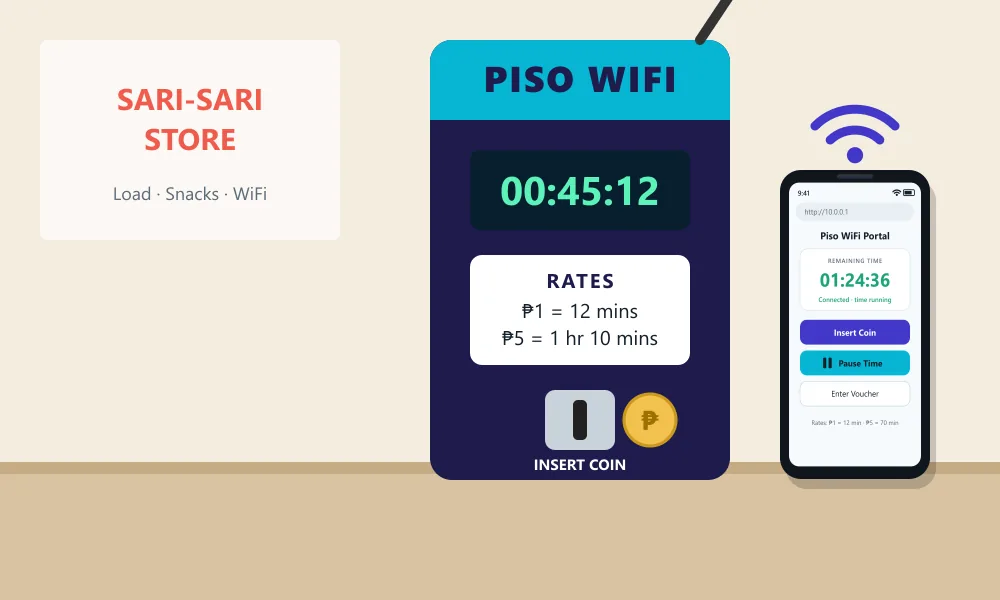
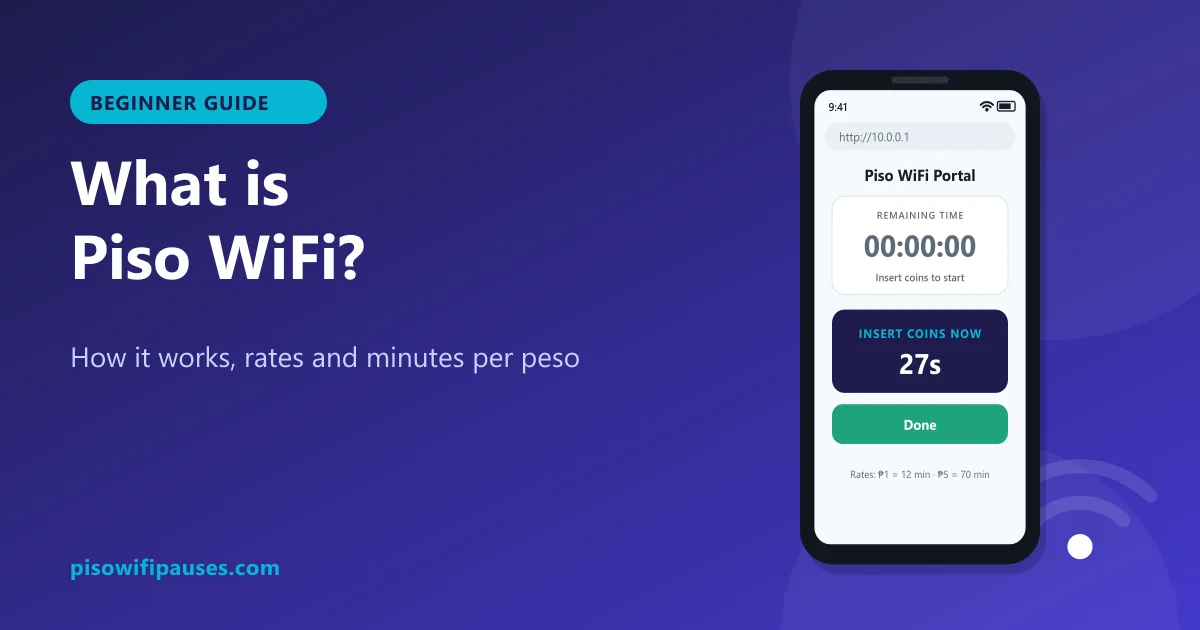
Piso WiFi is the coin-operated internet you see in sari-sari stores, boarding houses and barangay corners across the Philippines. You drop ₱1, ₱5 or ₱10 into the vendo and get minutes of Wi-Fi. The machine runs a small web page called a captive portal, usually at 10.0.0.1, where you see your time and buttons such as Insert Coin, Voucher and Pause.
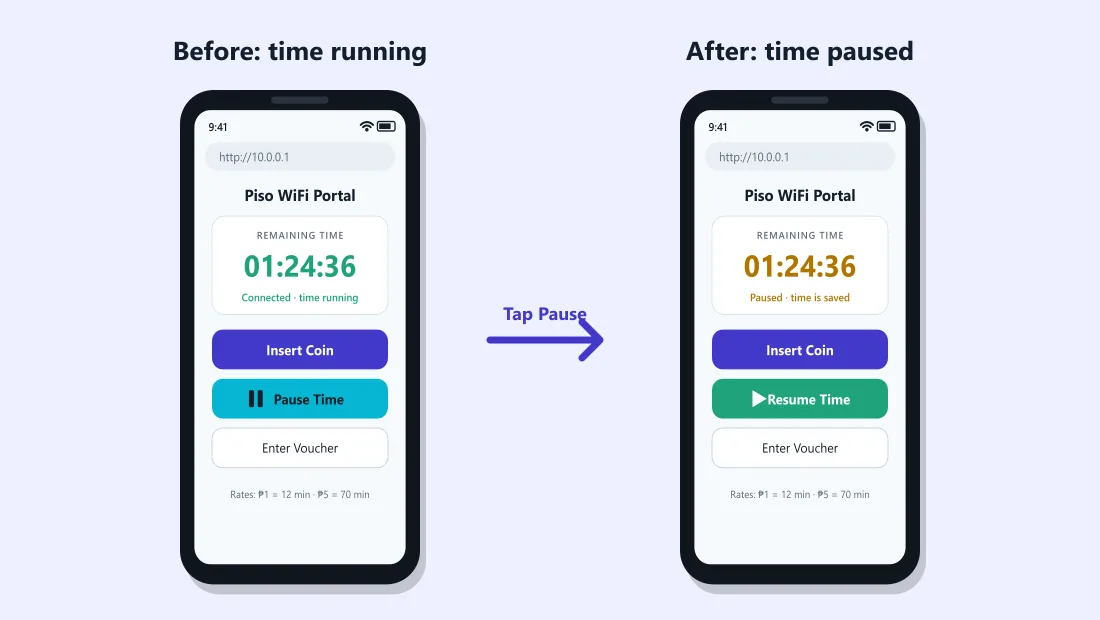
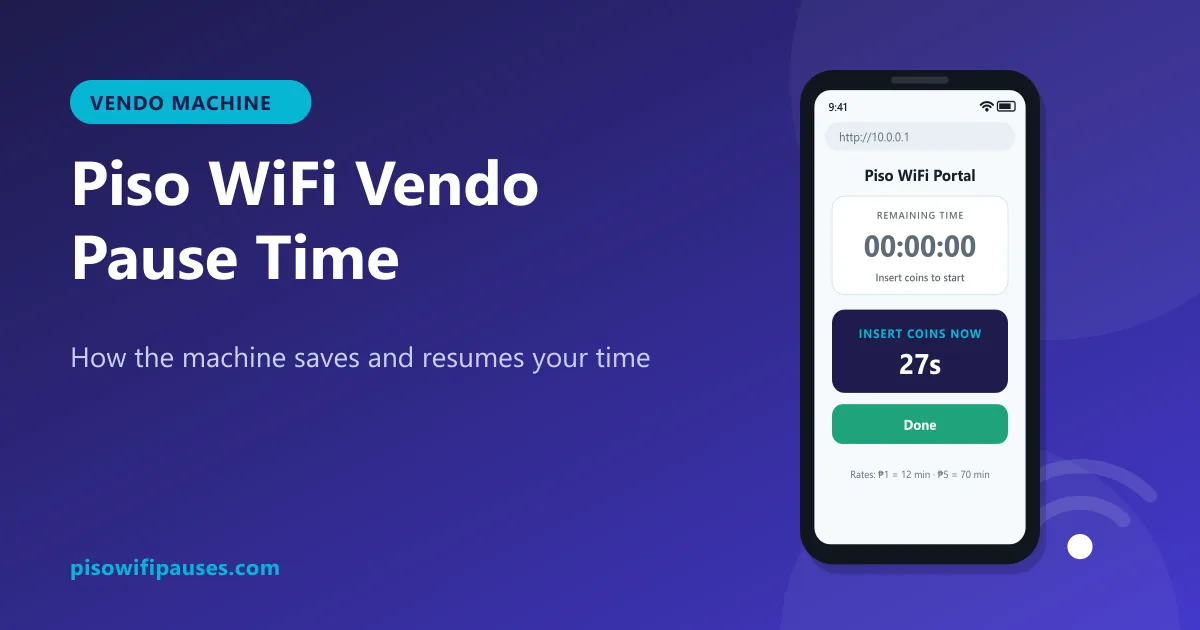
Pause time freezes your countdown. Your internet stops while you are paused, but the minutes you paid for stay saved on the machine. When you resume, the timer starts again from where it stopped. It is useful when you go to class, sleep or eat and do not want to waste your coins.
How to pause Piso WiFi time (step by step)
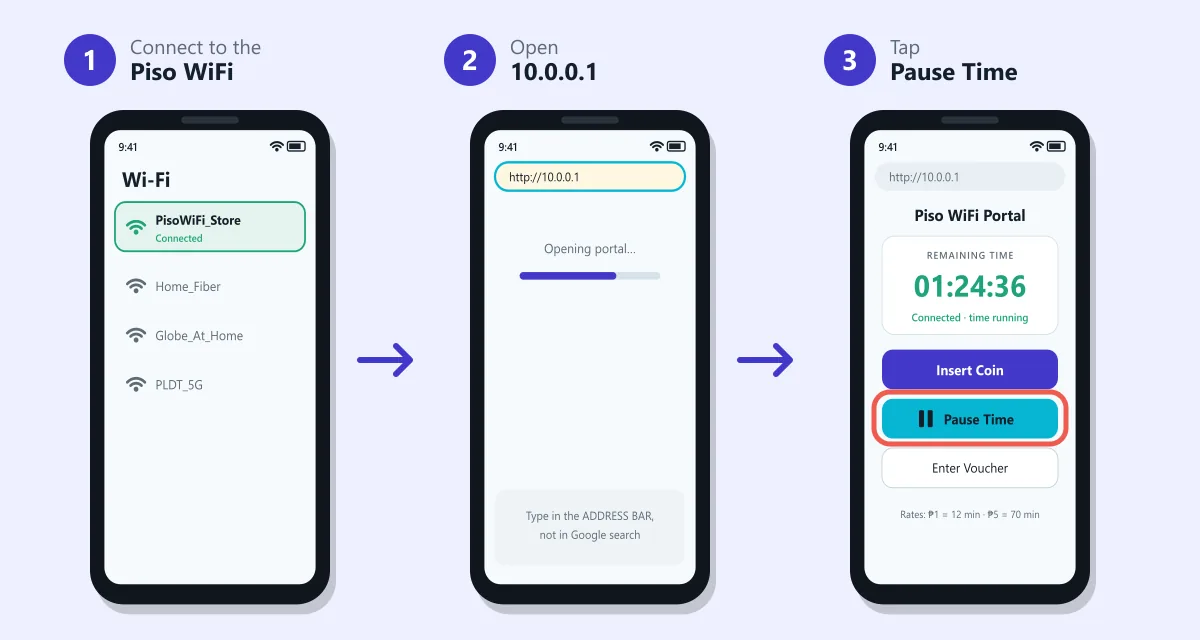
- Connect to the Piso WiFi network. Go to Wi-Fi settings and join the vendo's network. Stay close to the machine if the signal is weak.
- Open
http://10.0.0.1. Type it in the address bar of Chrome, Samsung Internet or Safari. Do not type it in the Google search box. Many phones open the portal automatically after you connect. - Make sure you have time left. The portal shows your remaining time. If it shows 00:00, insert a coin or enter a voucher first.
- Tap Pause Time. On some machines the button just says Pause, or shows a ⏸ icon below the timer. The status changes to Paused.
- Leave or keep the phone. Your internet is now off and your minutes are saved. You can disconnect from the Wi-Fi if you like.
How to resume your paused time
- Reconnect to the same Piso WiFi network with the same phone.
- Open
http://10.0.0.1again. - Tap Resume (some machines say Continue or Start Time). Your saved minutes start counting again.
Private MAC address: the #1 reason people lose paused time
Newer Android phones and iPhones hide their real Wi-Fi address and use a random one for privacy. Some phones change that random address after you forget the network or after some time passes. To the vendo you then look like a new customer, and your paused minutes seem to disappear.
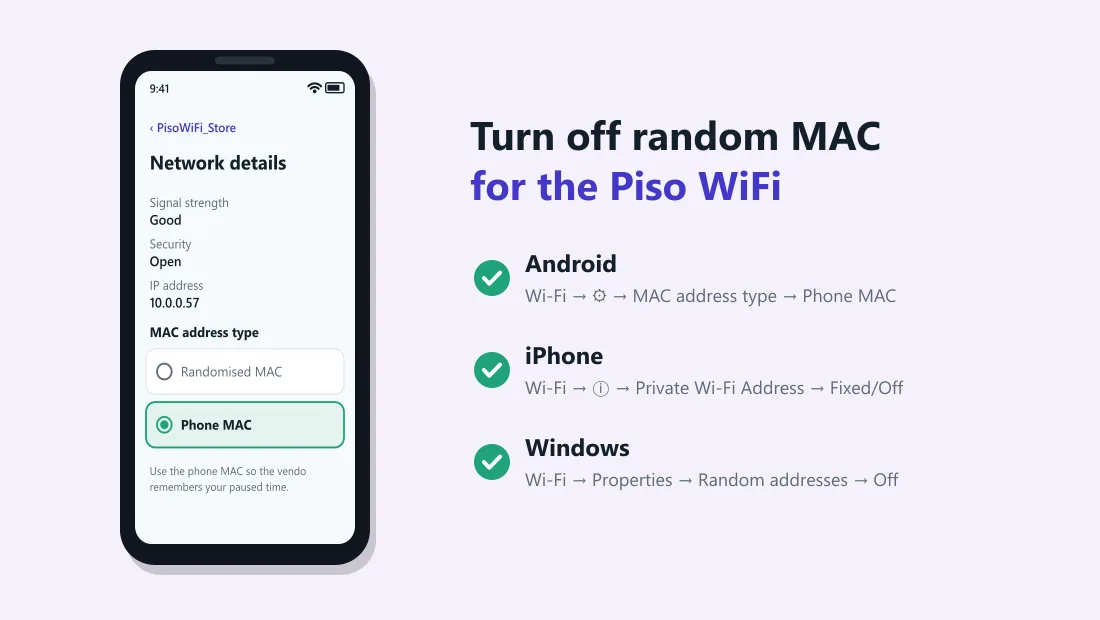
Set your phone to use a fixed address for the Piso WiFi network only:
| Device | Where to change it | Choose |
|---|---|---|
| Android (Samsung, Xiaomi, Oppo, Vivo, realme) | Settings → Wi-Fi → tap ⚙ next to the Piso WiFi network → Privacy or MAC address type | Use device MAC / Phone MAC |
| iPhone (iOS 18 and newer) | Settings → Wi-Fi → tap ⓘ next to the network → Private Wi-Fi Address | Fixed or Off |
| iPhone (older iOS) | Settings → Wi-Fi → ⓘ → Private Address | Turn off |
| Windows 10/11 laptop | Settings → Network & Internet → Wi-Fi → network properties → Random hardware addresses | Off |
Change this before you insert coins. If you change it after, the machine sees a new device and your current time stays on the old address.
Pausing in Chrome and other browsers
Most Piso WiFi portals use plain http://, not https://. Modern browsers sometimes block or warn about that. Here is how to get through:
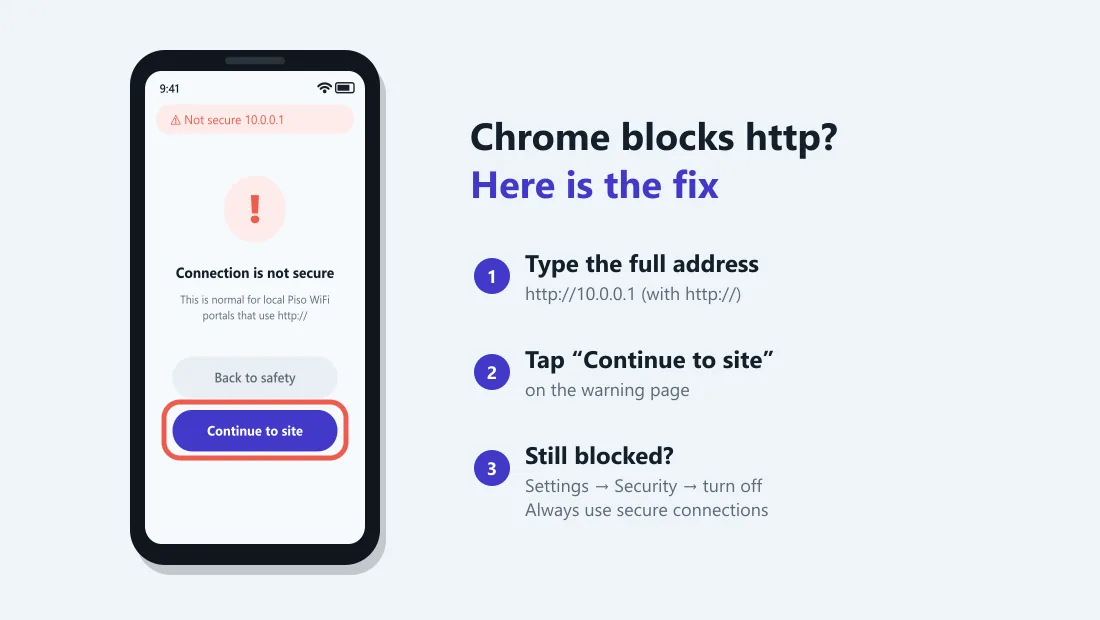
Full browser fixes are in our Chrome Piso WiFi pause time guide, and laptop steps in Piso WiFi on Windows.
Chrome on Android or PC
- Type the full address
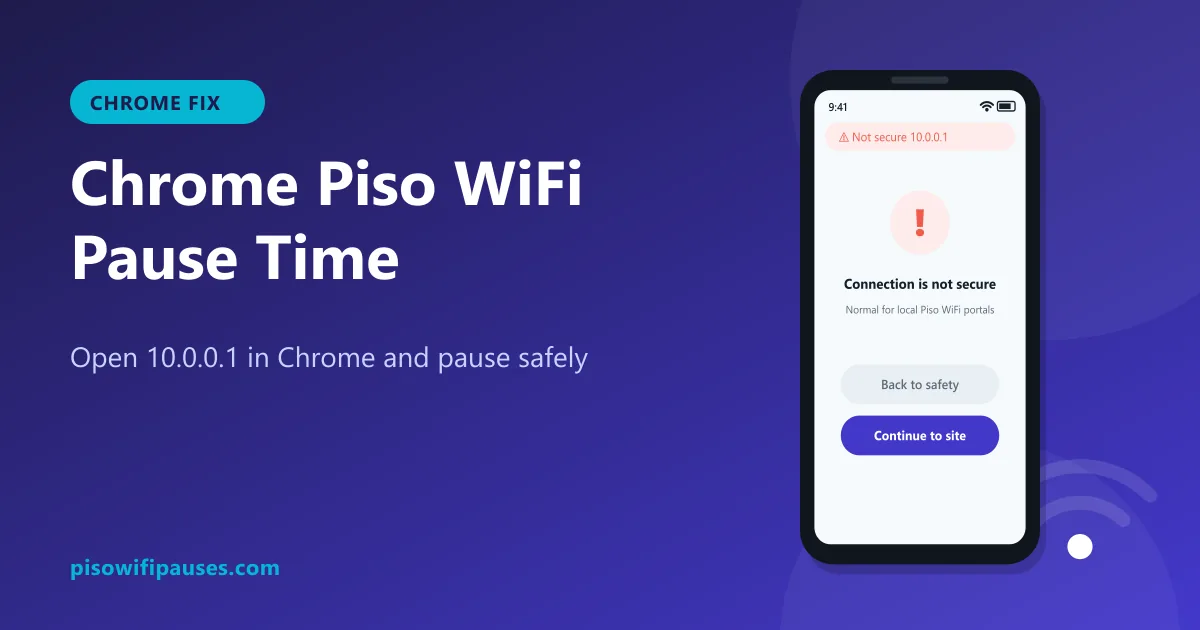
http://10.0.0.1, includinghttp://. - If you see "Connection is not secure", tap Continue to site. This is normal for local portals.
- If it keeps changing to https: Chrome → Settings → Privacy and security → Security → turn off Always use secure connections.
- Turn off any VPN, ad-blocker or data-saving app while using the portal.
Samsung Internet, Safari and others
- On iPhone, close the small "Log in" pop-up and open Safari manually to
http://10.0.0.1if the buttons do not respond. - On Android, go to Settings → Connections → More connection settings → Private DNS and set it to Automatic or Off. A custom Private DNS (like dns.google) can stop the portal from opening.
- Clear the browser cache if you keep seeing an old timer.
Why the pause button is missing
Not every machine has pause, even when the software supports it. Common reasons:
- The owner turned it off. Pause is a setting in the admin panel. Some owners disable it so customers use time faster. Only the owner can switch it on.
- You have no time left. Most portals hide Pause until you have minutes remaining.
- Voucher-only mode. On some setups pause works for coin time but not for vouchers, or the other way round.
- Old firmware or a different brand. Older or cheaper systems may not offer pause at all.
- Pause limit reached. Owners can limit how long you stay paused, or how many times you can pause per session.
If there is no button, ask the store owner. Pulling out the plug or turning off your Wi-Fi does not pause your time on most machines. The timer keeps running on the vendo.
Pause time on LPB, AdoPiSoft and other platforms
| Platform | Usual portal | Pause button | Notes |
|---|---|---|---|
| LPB Piso WiFi | 10.0.0.1 | Below the timer, when enabled | Owner can set a maximum pause duration |
| AdoPiSoft | 10.0.0.1 | "Pause" in the session area | Pause can be set per rate or voucher type |
| PisoFi and others | 10.0.0.1 or as shown on sticker | Varies | Some models have no pause at all |
| TP-Link / Omada based setups | Portal page shown after connecting | Depends on the vendo software | The router only gives the Wi-Fi; the coin software controls pause |
Button names and positions change between versions and owners. If yours looks different, look for words like Pause, Stop Time or a ⏸ icon.
Wrong address? 10.0.0.0.1, 1.0.0.0.1 and other typos
A lot of people type the address wrong and land on Google instead of the portal. The correct address is 10.0.0.1: four numbers separated by three dots. Full explanations: 10.0.0.0.1, 1.0.0.1, 10.10.0.1 and 10001.
| What people type | Is it valid? | Type this instead |
|---|---|---|
10.0.0.0.1 | No. It has five numbers. An IPv4 address only has four. | 10.0.0.1 |
1.0.0.0.1 | No. Five numbers, and the first one is wrong. | 10.0.0.1 |
10.0 0.0 1 / 10.0 0.1 | No. Spaces are not allowed in an address. | 10.0.0.1 |
10.0.01 / 10.0.1 | Only three numbers, so a dot is missing. | 10.0.0.1 |
10001 / 100001 | No dots. The browser runs a Google search instead. | 10.0.0.1 |
1.0.0.1 | A real address, but it belongs to a public DNS service, not your vendo. | 10.0.0.1 |
10.10.0.1 | Valid. A few machines really use it. Try it only if 10.0.0.1 does not load. | Check the sticker on the machine |
How many minutes do I get?
Each owner sets their own rates, so there is no single price. Common rates are around ₱1 for 10 to 15 minutes, with bonus time for ₱5 or ₱10 coins. Use this calculator with the rate on your machine's sticker:
Piso WiFi minutes calculator
Rates are set by each machine owner. Check the sticker on the vendo, then enter the numbers.
Troubleshooting pause and resume
10.0.0.1 is not loading
Check that you are still connected to the Piso WiFi (not mobile data). Turn mobile data off, type http://10.0.0.1 exactly, and try another browser. If it still fails, see the login guide.
My time is gone after I paused
Usually caused by a changed MAC address (see above), a different phone, a pause limit set by the owner, or the vendo restarting. Ask the owner, who can check your session in the admin panel. See also how to reset Piso WiFi safely.
Resume does nothing
Refresh the page, then tap Resume once and wait a few seconds. Tapping many times can confuse some portals.
The machine lost power while I was paused
Most systems save sessions and restore them after a restart, but not all. If your time is gone after a brown-out, talk to the owner.
For vendo owners: how to turn on pause time
If you own the machine, pause is set in the admin panel (see our admin guide). On most systems this is at http://10.0.0.1/admin (only from a device connected to your vendo).
- Log in to the admin panel with your owner account.
- Open Portal settings (LPB) or Settings → Sessions (AdoPiSoft). The name differs by version.
- Turn on Pause Time for coin and/or voucher sessions.
- Set a maximum pause duration if you want one, then save.
- Test it on your own phone: insert a coin, pause, resume.
Change the default admin password the first day. Anyone connected to your Wi-Fi can open the admin login page.
Frequently asked questions
How do I pause Piso WiFi time?
Connect to the Piso WiFi, open http://10.0.0.1, and tap Pause Time. Your remaining minutes are saved until you tap Resume on the same phone.
Does pausing use up my time?
No. While paused, the countdown stops and your internet is off. You only use time while the session is running.
How long can I keep my time paused?
It depends on the owner. Some machines keep paused time for days, others set a limit such as 60 minutes or a few hours, after which the session ends.
Can I resume my paused time on a different phone?
Usually no. The time is linked to the phone that paid. Some systems let you transfer time with a voucher or code; ask the owner.
Does turning off Wi-Fi pause my time?
On most machines, no. The timer keeps running on the vendo. Always tap Pause Time in the portal first.
Why is there no pause button on my Piso WiFi?
The owner may have disabled it, you may have no time left, or the machine does not support pause. Only the owner can turn it on.
Is 10.0.0.0.1 the same as 10.0.0.1?
No. 10.0.0.0.1 is not a valid address. Type 10.0.0.1 with four numbers and three dots.
How do I pause Piso WiFi on iPhone?
Same steps as Android: open Safari, go to http://10.0.0.1 and tap Pause. Set Private Wi-Fi Address to Fixed or Off for the network so you can resume later.
Is it safe to use Piso WiFi?
It is generally fine for browsing and videos. Avoid online banking on any public Wi-Fi unless the site uses https, and never enter your passwords in the Piso WiFi portal.
Related guides
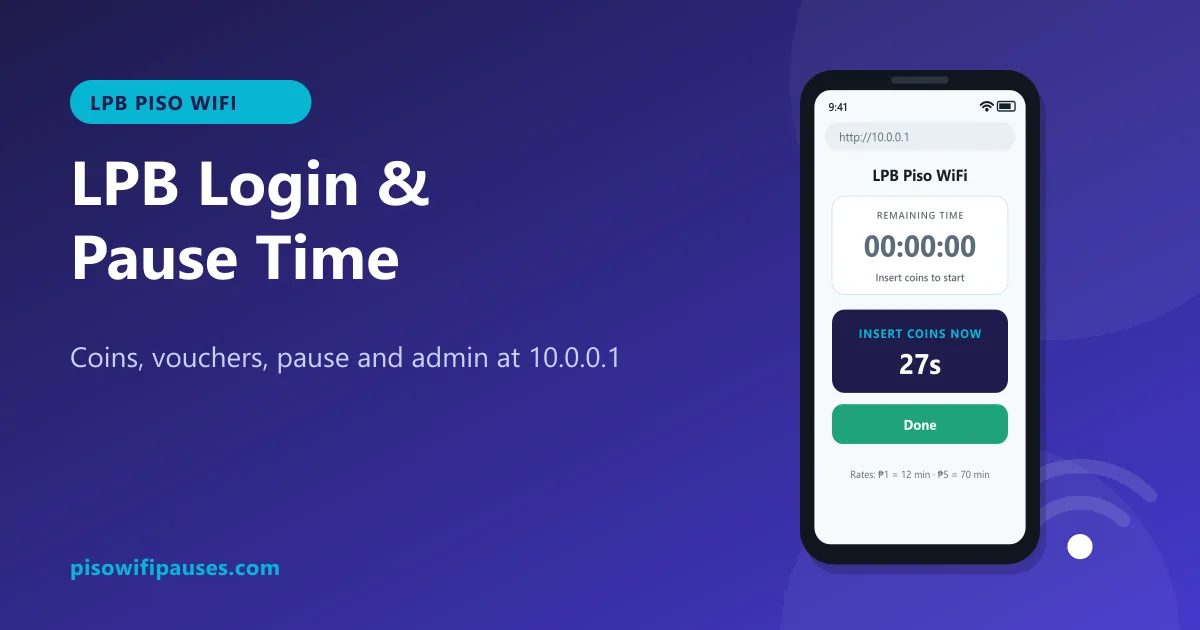 LPB Piso WiFiUse LPB Piso WiFi at 10.0.0.1: log in, insert coins or vouchers, pause and resume your time. In…
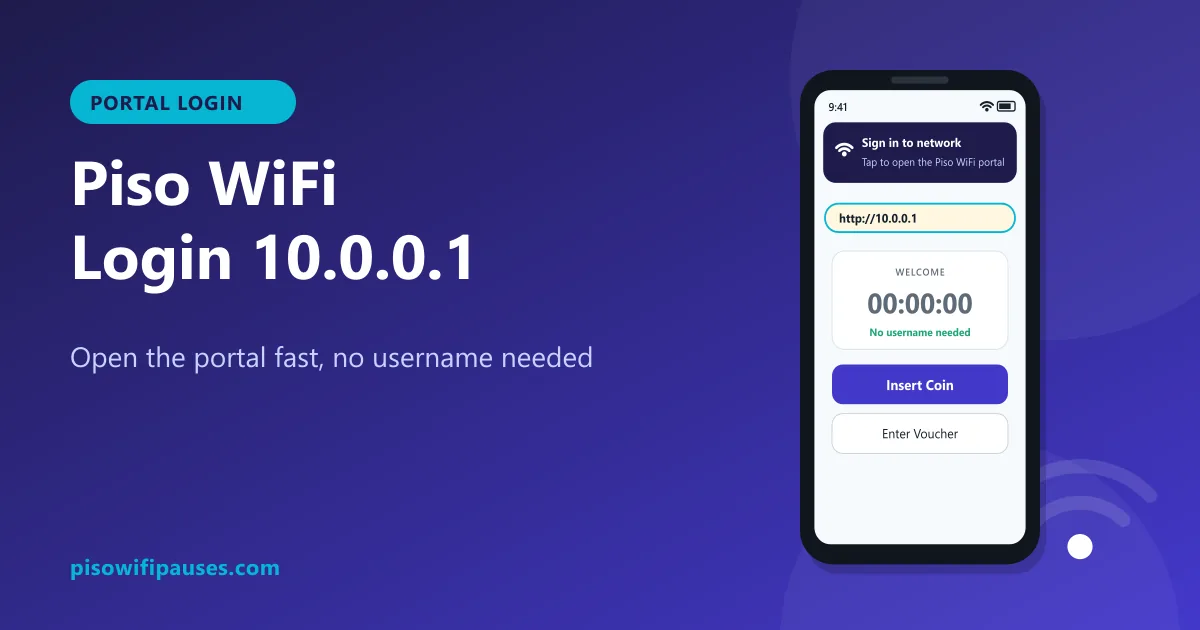 Piso WiFi LoginHow to log in to the Piso WiFi portal at 10.0.0.1 as a customer or owner. Fix a portal that wil…
 Chrome Piso WiFi Pause TimeChrome blocking http://10.0.0.1 or showing "Not secure"? Fix it in seconds and pause your Piso …
 What Is Piso WiFiA simple guide to Piso WiFi in the Philippines: how coin Wi-Fi vendos work, typical rates, how …
 Piso WiFi Vendo Pause TimeHow a Piso WiFi vendo machine pauses and resumes your time at 10.0.0.1, why pause sometimes fai…
 Piso WiFi Pause Time AppThere is no official Piso WiFi pause time app for customers. Make a safe 1-tap shortcut to 10.0…