10.10.0.1 Piso WiFi: When It Works and When to Use 10.0.0.1
10.0.0.1, not 10.10.0.1. Unlike 10.0.0.0.1, 10.10.0.1 is a valid address and a few vendos really use it. Try http://10.0.0.1 first. If that does not open, check the Gateway in your Wi-Fi details; if it says 10.10.0.1, use that.The buttons only work while your phone is connected to the Piso WiFi network.
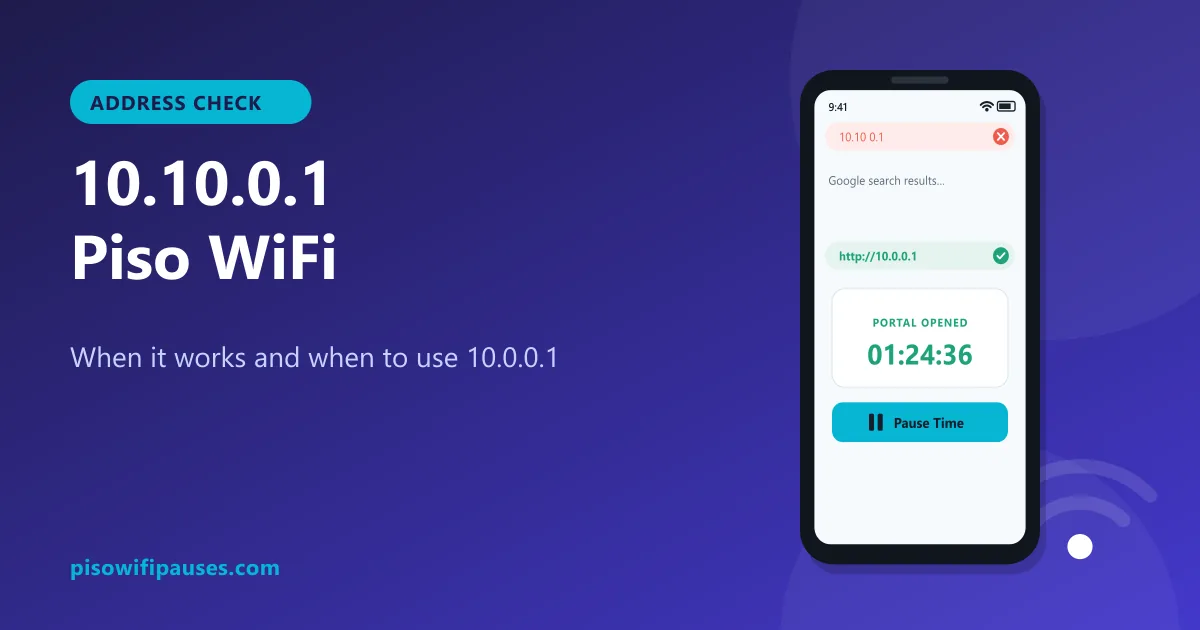
Table of contents
Is 10.10.0.1 a real address?
Yes. 10.10.0.1 has four numbers separated by three dots, so it is a valid private IP address. Private addresses starting with 10. are reserved for local networks like the one inside a Piso WiFi vendo. Owners or installers can choose almost any address in that range.
However, the large majority of Piso WiFi systems, including LPB and AdoPiSoft machines, use 10.0.0.1 by default. Many people type 10.10.0.1 by mistake because they remember "a lot of tens and ones". If the wrong address is typed, the browser either shows an error or nothing loads.
How to know which address your vendo uses
Your phone already knows the answer. The portal address is the Gateway (or Router) of the Wi-Fi you are connected to.
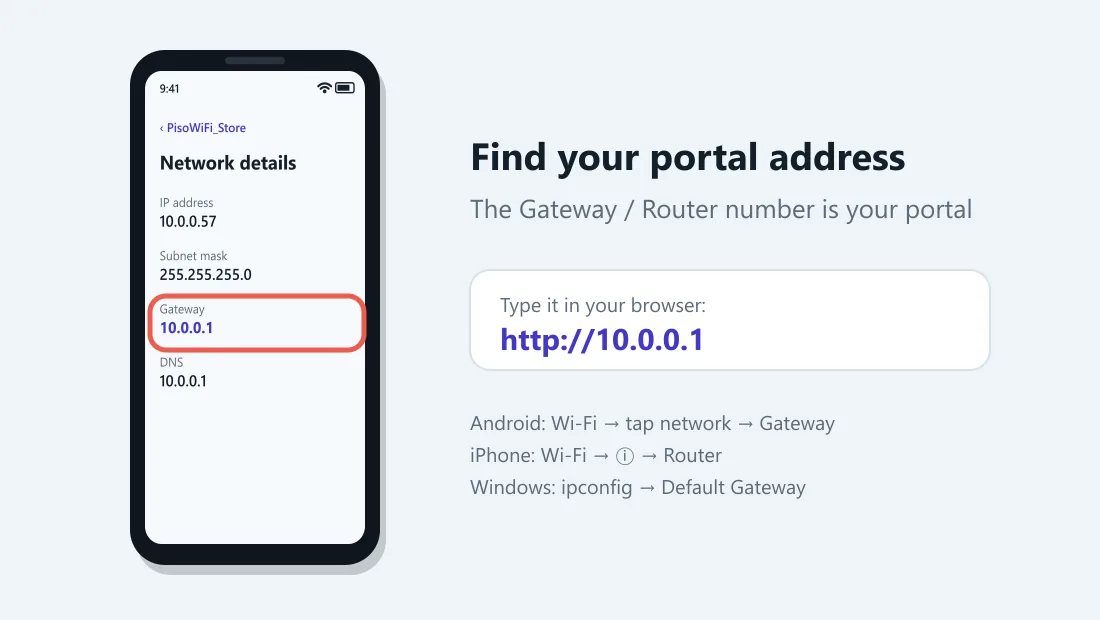
| Device | Where to look |
|---|---|
| Android | Settings → Wi-Fi → tap the connected network (or ⚙) → Gateway / Router |
| iPhone | Settings → Wi-Fi → tap ⓘ → Router |
| Windows | Command Prompt → type ipconfig → Default Gateway |
Type that number into your browser with http:// in front. That is your portal.
10.10.0.1 vs 10.0.0.1: what to do
- Try
http://10.0.0.1first. It is correct for most machines. - If it does not load, check the Gateway in your Wi-Fi details.
- If the Gateway is 10.10.0.1, open
http://10.10.0.1. Everything else (coins, vouchers, pause) works the same. - If the Gateway is something else, use that number.
10.10 0.1 pause time: the spacing typo
Many searches look like "10.10 0.1 piso wifi pause time" with a space. Spaces are not allowed in addresses, so the browser runs a search instead. Remove the spaces and dots you did not mean to add. For most people, the correct address is simply 10.0.0.1.
| What people type | Is it valid? | Type this instead |
|---|---|---|
10.0.0.0.1 | No. It has five numbers. An IPv4 address only has four. | 10.0.0.1 |
1.0.0.0.1 | No. Five numbers, and the first one is wrong. | 10.0.0.1 |
10.0 0.0 1 / 10.0 0.1 | No. Spaces are not allowed in an address. | 10.0.0.1 |
10.0.01 / 10.0.1 | Only three numbers, so a dot is missing. | 10.0.0.1 |
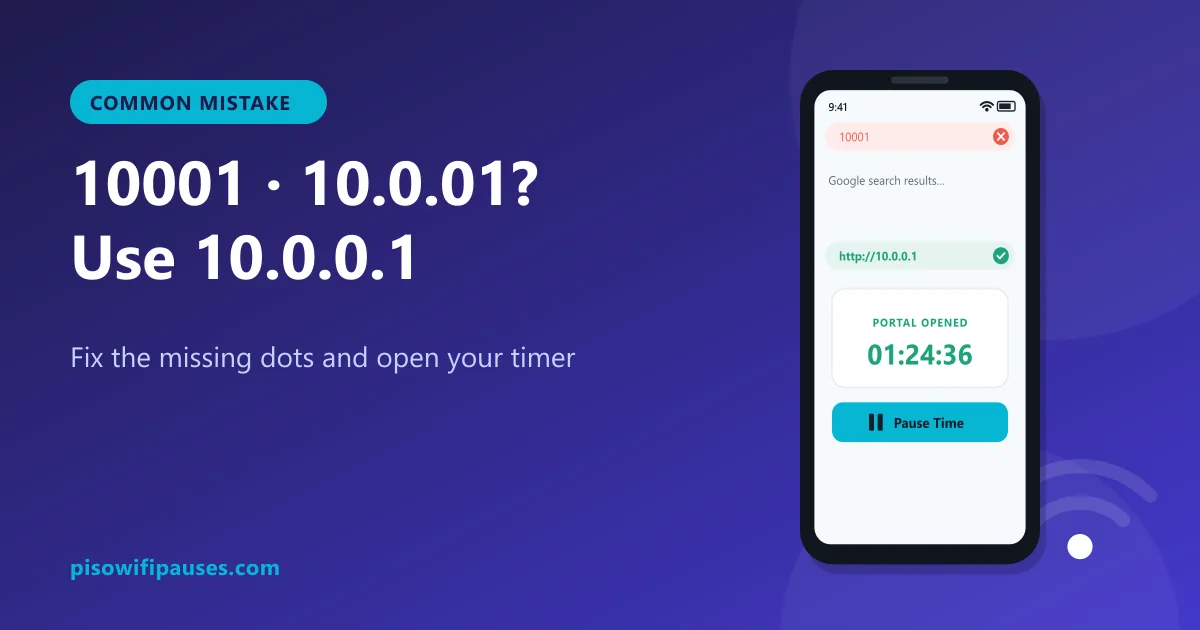
10001 / 100001 | No dots. The browser runs a Google search instead. | 10.0.0.1 |
1.0.0.1 | A real address, but it belongs to a public DNS service, not your vendo. | 10.0.0.1 |
10.10.0.1 | Valid. A few machines really use it. Try it only if 10.0.0.1 does not load. | Check the sticker on the machine |
How to pause once the portal opens
- Open your portal address (
10.0.0.1, or 10.10.0.1 if that is your gateway). - Check your remaining time.
- Tap Pause Time. Your countdown stops.
- Resume later on the same phone from the same address.
Full details, including why paused time can disappear, are in our Piso WiFi pause time guide.
Still not loading?
- Turn off mobile data so the phone uses the Wi-Fi.
- Type
http://at the start; some browsers try https and fail. See Chrome fixes. - Set Private DNS to Automatic and turn off VPN.
- Move closer to the vendo; weak signal can stop pages loading.
- Ask the store owner; the machine may be restarting.
Frequently asked questions
Is 10.10.0.1 the Piso WiFi address?
Usually not. Most machines use 10.0.0.1. A few are set to 10.10.0.1; check the Gateway in your Wi-Fi details.
Is 10.10.0.1 the same as 10.0.0.1?
No. They are different addresses. Only one of them is your vendo, and it is usually 10.0.0.1.
What is 10.10 0.1 pause time?
A typo with a space. Type 10.0.0.1 (or your gateway address) without spaces, then tap Pause Time.
How do I pause on a 10.10.0.1 machine?
Open http://10.10.0.1 while connected, then tap Pause Time. Resume on the same phone.
Related guides
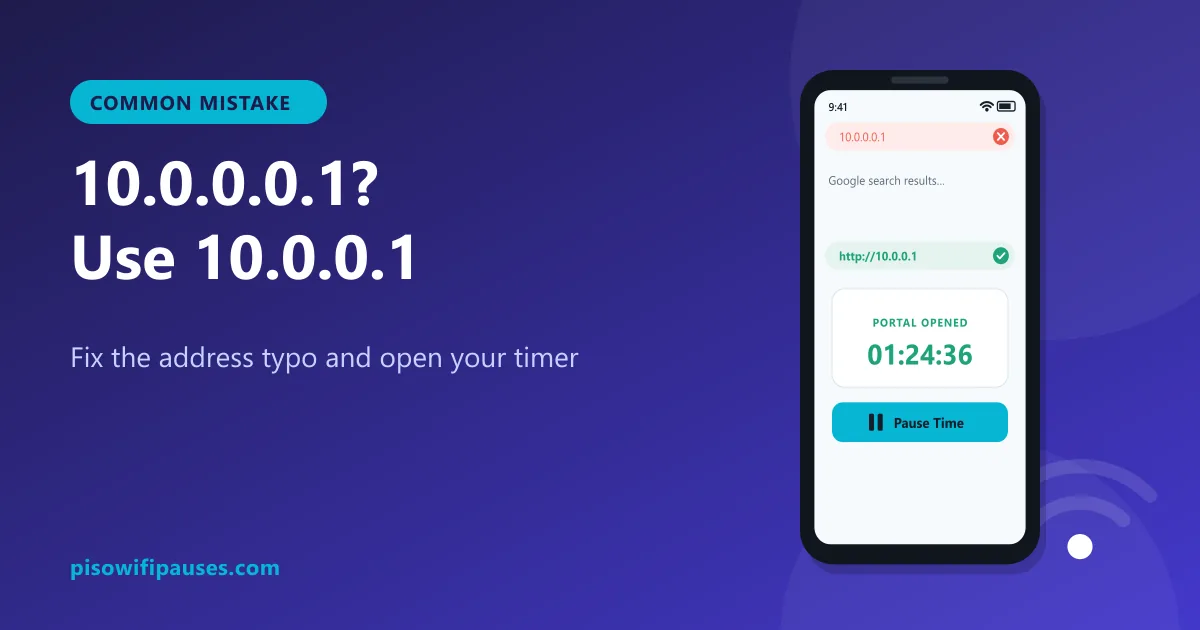 10.0.0.0.1 Piso WiFi10.0.0.0.1 does not work because it is not a valid address. Learn the correct Piso WiFi address…
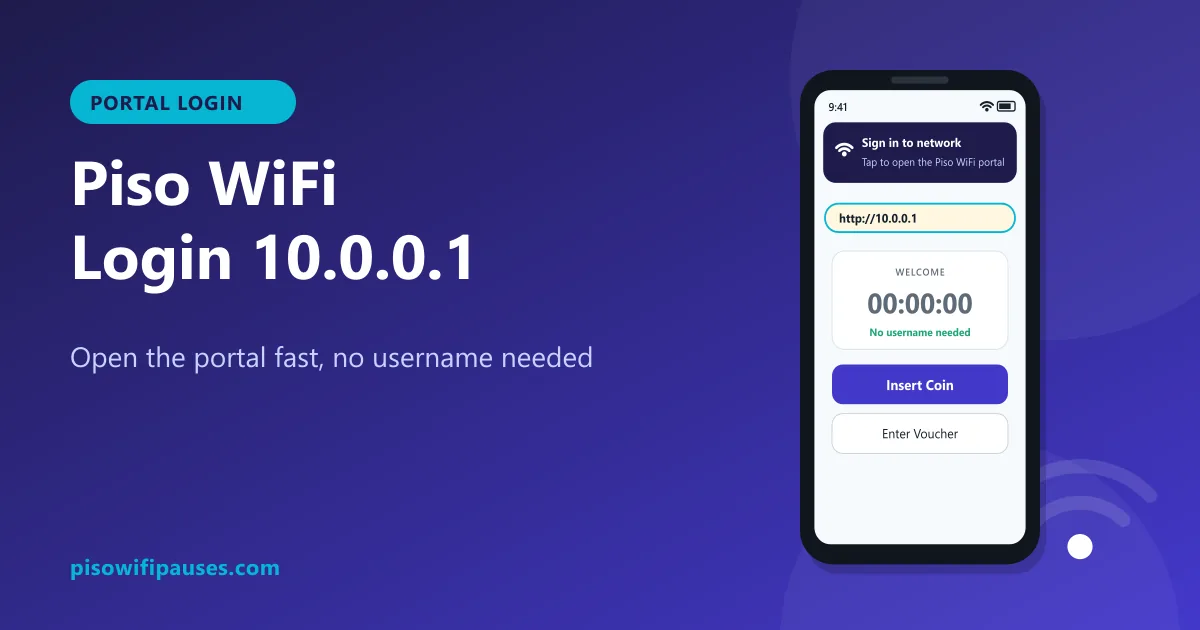 Piso WiFi LoginHow to log in to the Piso WiFi portal at 10.0.0.1 as a customer or owner. Fix a portal that wil…
 10001 Piso WiFiTyped 10001, 100001, 10.0.01 or 10.0.1 and got Google? The Piso WiFi portal is 10.0.0.1. Here i…