Piso WiFi Pause Time App: The Safe Way to Pause in One Tap
http://10.0.0.1 in your browser. For one-tap access, open the portal and choose Add to Home screen. This works like an app without installing anything. Avoid apps that promise free or unlimited Piso WiFi time.The buttons only work while your phone is connected to the Piso WiFi network.
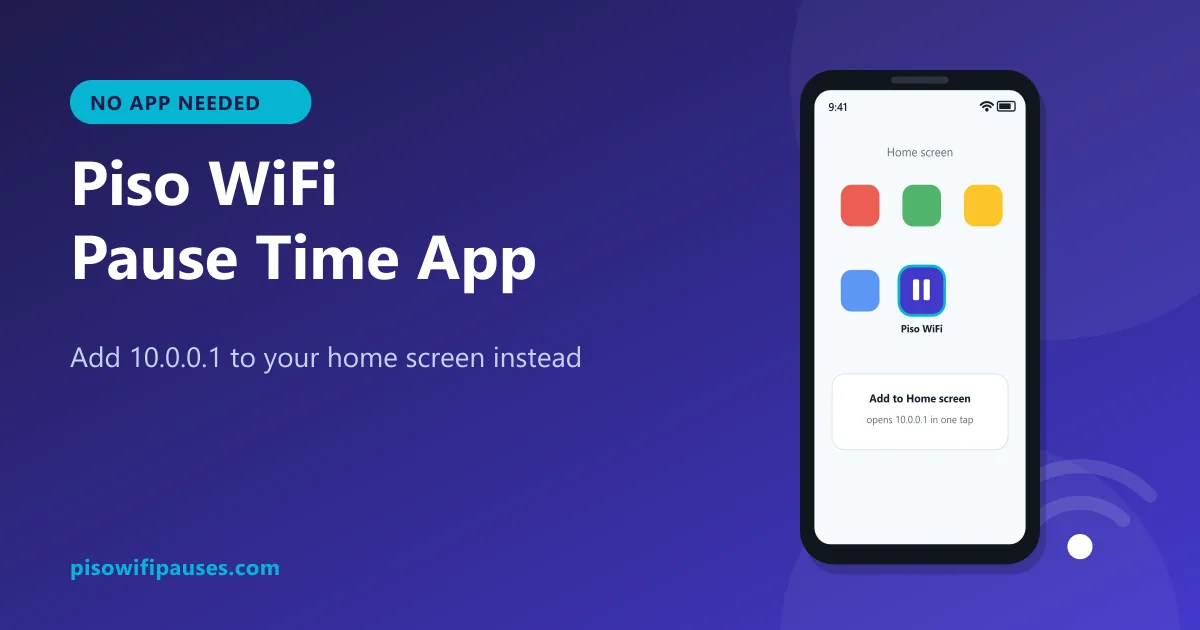
Table of contents
Is there an official Piso WiFi pause time app?
For customers, no. Piso WiFi machines are designed so anyone can use them with just a browser: connect, open 10.0.0.1, insert coins, pause. There is no single company behind all Piso WiFi machines, so there is no single app that controls them.
Some vendo software makers provide tools for owners to manage machines, but those require an owner account and do not give customers free or extra time.
Make your own "app": add 10.0.0.1 to your home screen
Android (Chrome)
- Connect to the Piso WiFi and open
http://10.0.0.1in Chrome. - Tap the ⋮ menu at the top right.
- Tap Add to Home screen (or Install / Create shortcut).
- Name it Piso WiFi and tap Add.
Samsung Internet
Tap the ☰ menu → Add page to → Home screen.
iPhone (Safari)
- Open
http://10.0.0.1in Safari while connected. - Tap the Share button (square with an arrow).
- Scroll and tap Add to Home Screen, then Add.
Now, whenever you are connected to a Piso WiFi, tap the icon to open the portal and pause or resume instantly. The shortcut works at any vendo that uses 10.0.0.1.
How to pause using your shortcut
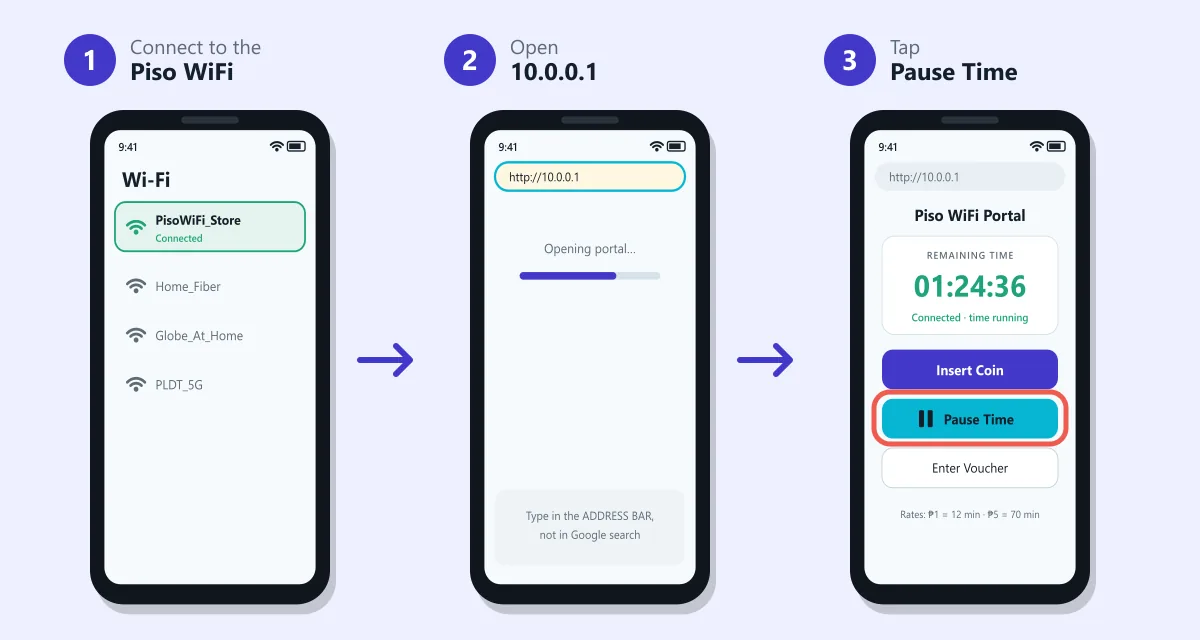
- Connect to the Piso WiFi network.
- Tap your Piso WiFi home-screen icon.
- Tap Pause Time to save minutes, or Resume to continue.
Warning: fake Piso WiFi apps
Search app stores or social media and you will find apps or APK files called "Piso WiFi pause time app", "free Piso WiFi time" or "Piso WiFi hack". Be very careful:
- They cannot add time. Your minutes are stored inside the vendo. An app on your phone cannot change them legitimately.
- Many are scams. They show ads, ask for your Facebook or GCash login, or ask you to pay for "unlimited time".
- APK files from unknown sites can contain malware that steals data or SMS codes.
- Bypassing coins is unfair to small store owners and may be illegal.
Why paused time can still disappear
A shortcut makes pausing easy, but your phone must stay recognisable to the vendo. If your phone uses a random (private) MAC address, set it to use the device MAC for the Piso WiFi network before buying time. Steps are in our pause time guide.
Frequently asked questions
Is there a Piso WiFi pause time app?
Not for customers. Pause is done in the browser at 10.0.0.1. You can add it to your home screen for one-tap access.
How do I add Piso WiFi to my home screen?
Open http://10.0.0.1, then use Add to Home screen in the Chrome menu or Safari Share button.
Are free Piso WiFi time apps real?
No. They cannot change the time stored in the vendo, and many are scams or malware.
Does the shortcut work at other vendos?
Yes, at any vendo that uses 10.0.0.1, as long as you are connected to its Wi-Fi.
Related guides
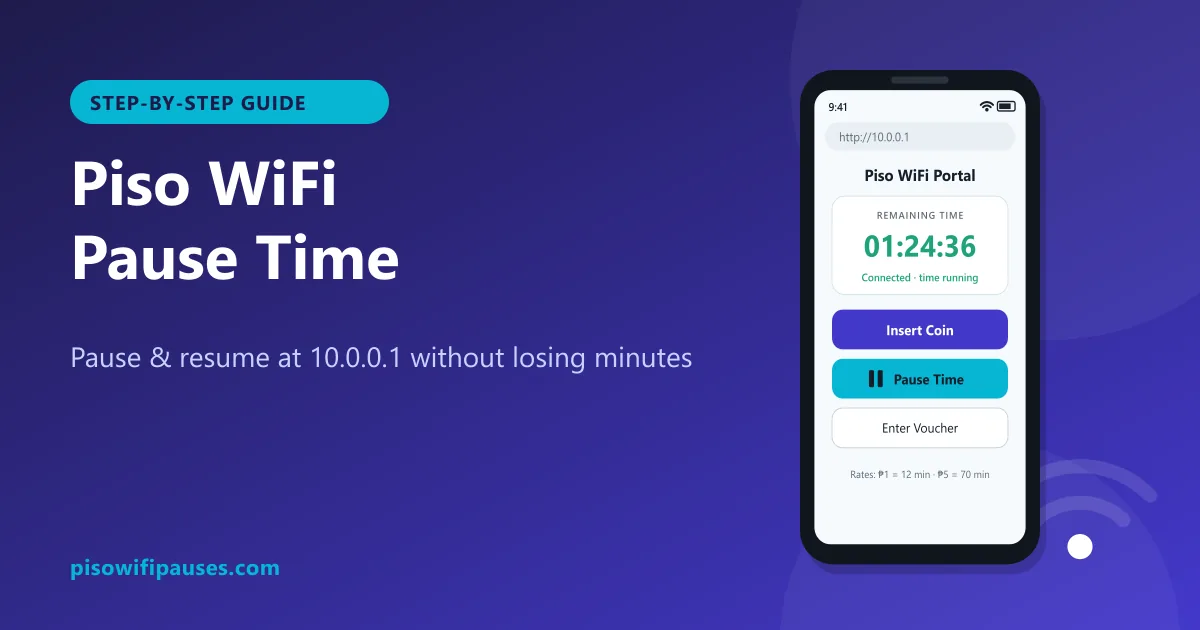 Piso WiFi Pause TimePause your Piso WiFi time at 10.0.0.1 and resume later without losing minutes. Step-by-step gui…
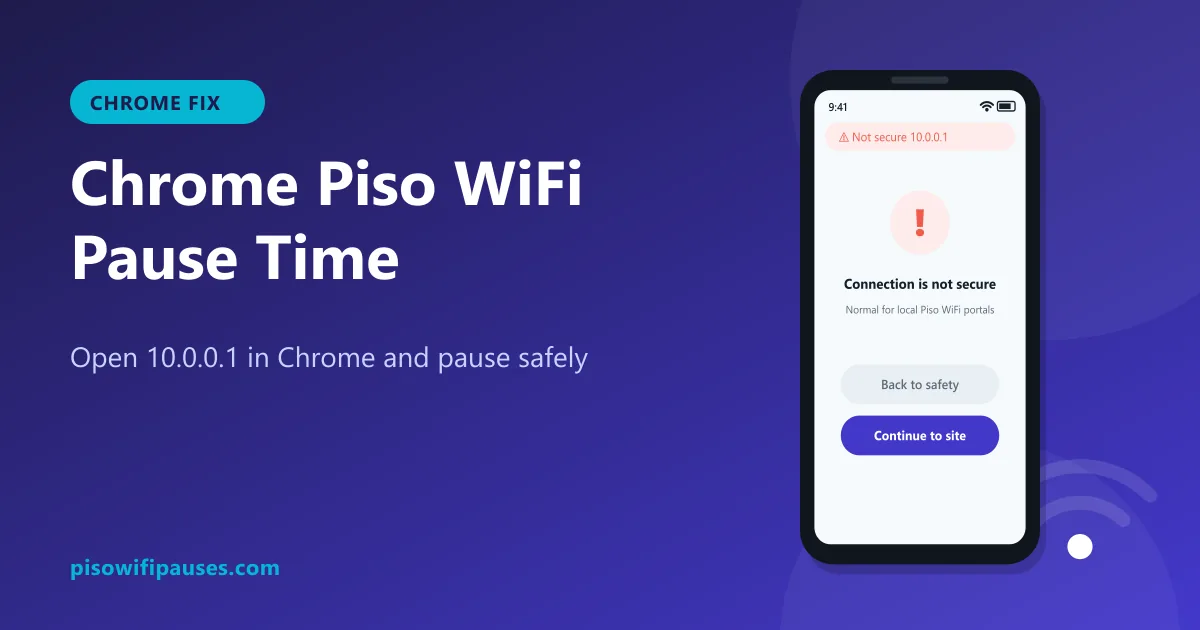 Chrome Piso WiFi Pause TimeChrome blocking http://10.0.0.1 or showing "Not secure"? Fix it in seconds and pause your Piso …
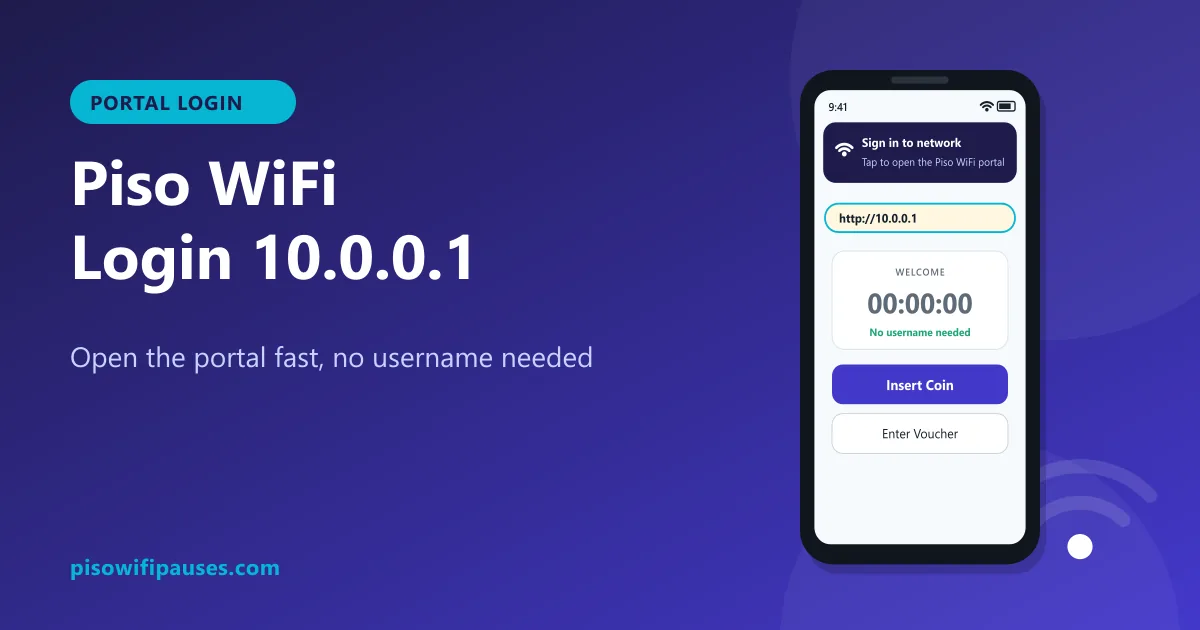 Piso WiFi LoginHow to log in to the Piso WiFi portal at 10.0.0.1 as a customer or owner. Fix a portal that wil…