How to Reset Piso WiFi Without Losing Your Paid Time
10.0.0.1 and tap Pause Time to protect your minutes. Then turn Wi-Fi off and on, reconnect, and tap Resume. Only "forget" the network or reset network settings as a last step, because it can change how the vendo recognises your phone.The buttons only work while your phone is connected to the Piso WiFi network.
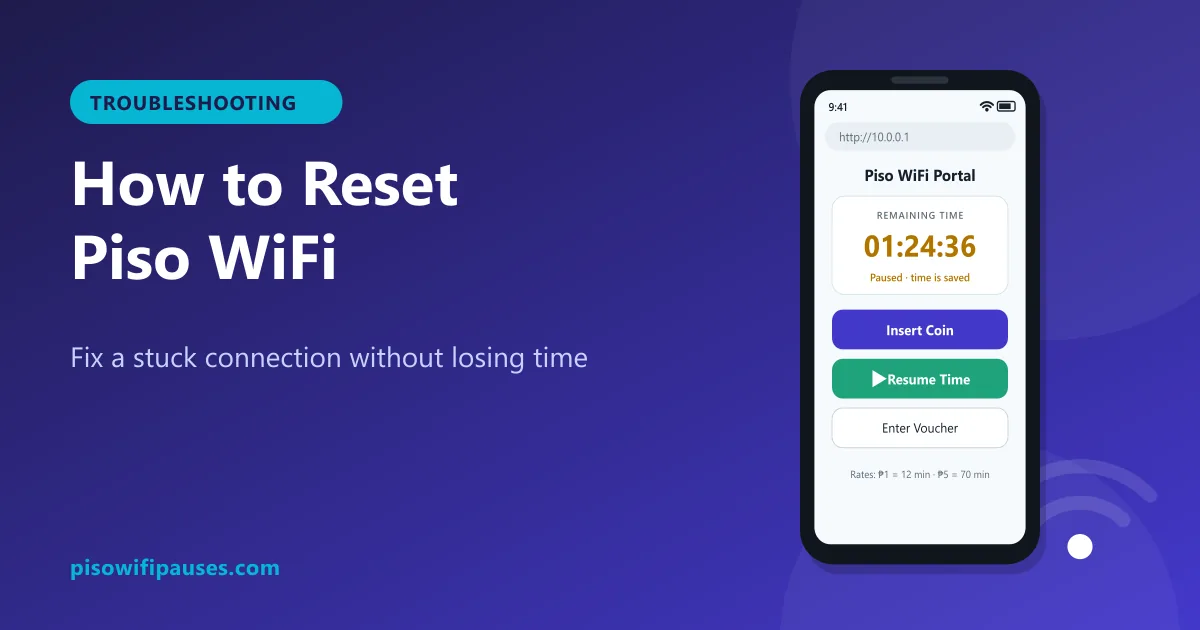
Table of contents
Before you reset anything: pause your time
Most resets on your phone do not touch the vendo, so your minutes keep counting while you troubleshoot. Open http://10.0.0.1 and tap Pause Time first if the portal still opens. If it does not open, work quickly through the steps below.
Customer reset steps (start with the easiest)
- Reload the portal. Pull down to refresh
10.0.0.1, or open it in a new tab. - Toggle Wi-Fi. Turn Wi-Fi off for 5 seconds, then on, and reconnect to the same network.
- Turn airplane mode on and off. This resets all radios without changing settings.
- Restart your phone. Clears stuck network processes.
- Clear browser cache. Fixes portals that show old timers or blank pages.
- Check Private DNS and VPN. Set Private DNS to Automatic and turn VPN off.
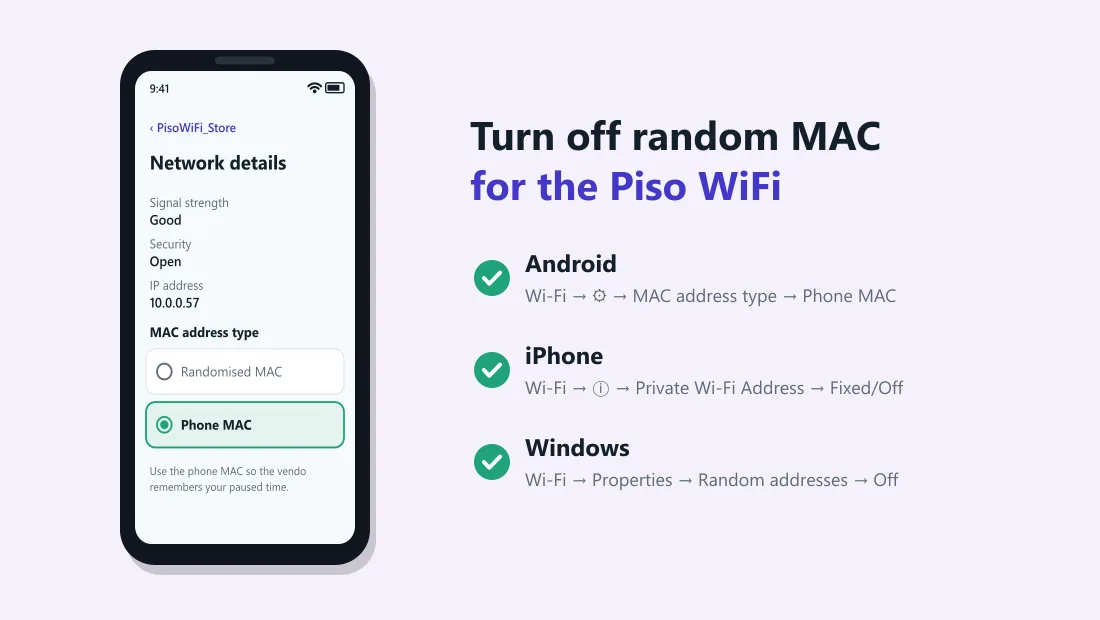
- Forget and rejoin the network (last resort). First make sure your phone uses its device MAC for this network, otherwise forgetting it may give you a new random address and the vendo will not find your time.
Should I "Reset network settings" on my phone?
Only if nothing else works on any Wi-Fi. Resetting network settings removes all saved Wi-Fi passwords, Bluetooth pairings and custom settings, and may change your private MAC addresses. Pause your Piso WiFi time first and write down important Wi-Fi passwords.
- Android: Settings → General management / System → Reset → Reset network settings (names vary by brand).
- iPhone: Settings → General → Transfer or Reset iPhone → Reset → Reset Network Settings.
Connected but no internet after reset
- Open
10.0.0.1and check if your time is running, paused or at zero. - If paused, tap Resume.
- If your time is gone, see why paused time disappears.
- If time is running but nothing loads, the store's internet may be down. Ask the owner.
For owners: restarting or resetting the vendo
Owners sometimes need to restart the machine when it freezes or the internet stops. Do it carefully, because customers may have paused sessions saved.
Safe restart
- Choose a quiet time with few active users.
- Use the reboot option in your admin panel if available, instead of pulling the plug.
- Wait until the portal at
10.0.0.1loads again, then test with your own phone. - Restart the modem or router separately if the internet is down.
Factory reset
A full reset or software re-install usually erases rates, vouchers, sales data and all customer sessions. Only do it if your seller or the software's official support recommends it, and write down your settings first. See our admin guide for forgotten passwords.
Prevent problems next time
- Use the device MAC for the Piso WiFi network.
- Bookmark
10.0.0.1or add it to your home screen. - Pause before leaving the area or turning off Wi-Fi.
- Owners: use an AVR or surge protector; power spikes are a common cause of corrupted memory cards.
Frequently asked questions
How do I reset my Piso WiFi connection?
Pause your time, toggle Wi-Fi off and on, reconnect, then resume at 10.0.0.1. Restart your phone if needed.
Will forgetting the network delete my time?
It can, if your phone then uses a new random MAC address. Set it to use the device MAC first.
Does resetting my phone reset the vendo?
No. Phone resets do not change the machine, but your time keeps running unless paused.
How do owners reset a Piso WiFi vendo?
Reboot from the admin panel. Factory reset only with seller guidance, as it erases settings and sessions.
Related guides
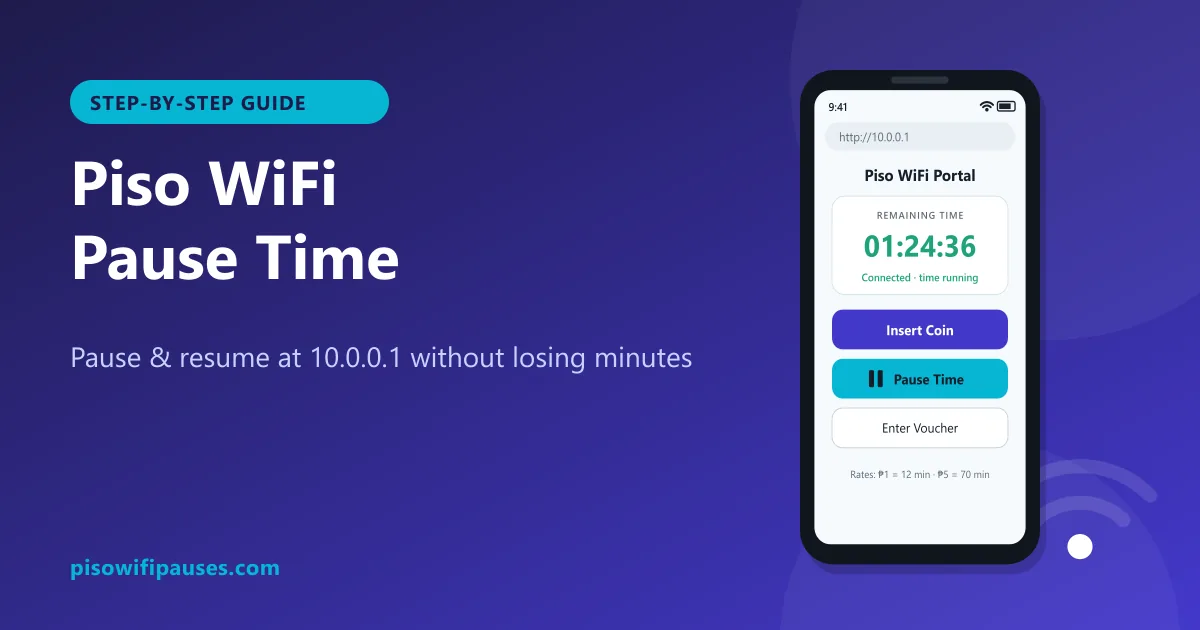 Piso WiFi Pause TimePause your Piso WiFi time at 10.0.0.1 and resume later without losing minutes. Step-by-step gui…
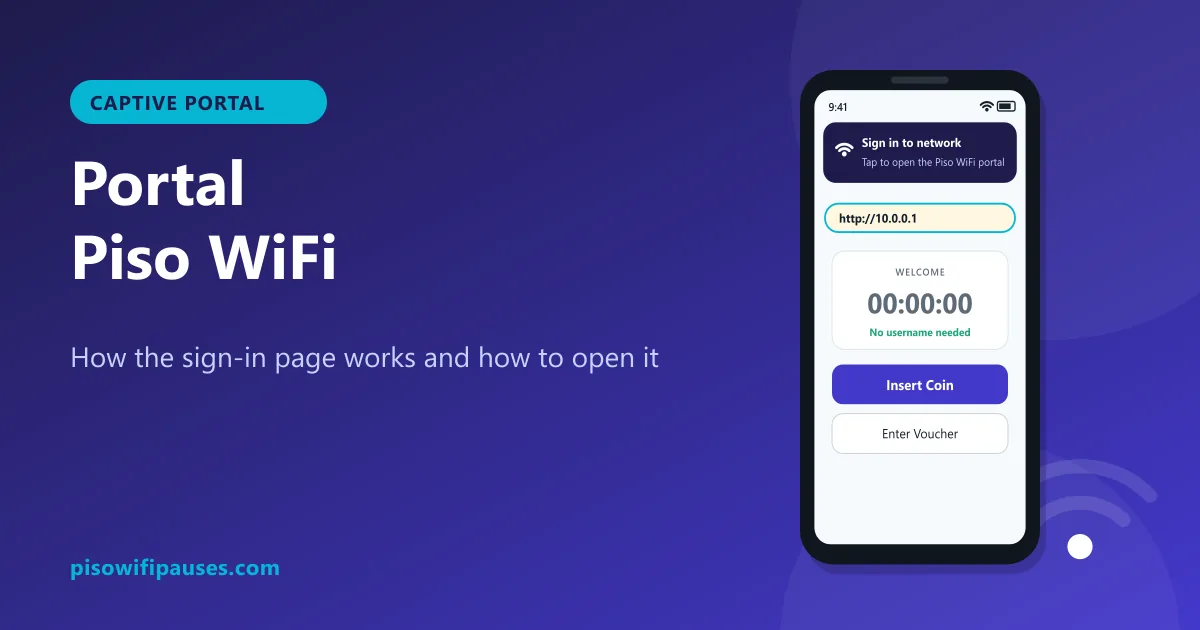 Portal Piso WiFiWhat the Piso WiFi portal is, why the "Sign in to network" page appears, how to open it manuall…
 Piso WiFi LoginHow to log in to the Piso WiFi portal at 10.0.0.1 as a customer or owner. Fix a portal that wil…