10001 Piso WiFi Pause Time: Fix 10001, 10.0.01 and 10.0.1 Typos
10001, 100001, 10.0.01 and 10.0.1 are all typos of 10.0.0.1. Type http://10.0.0.1 with three dots in the address bar while connected to the Piso WiFi, then tap Pause Time.The buttons only work while your phone is connected to the Piso WiFi network.
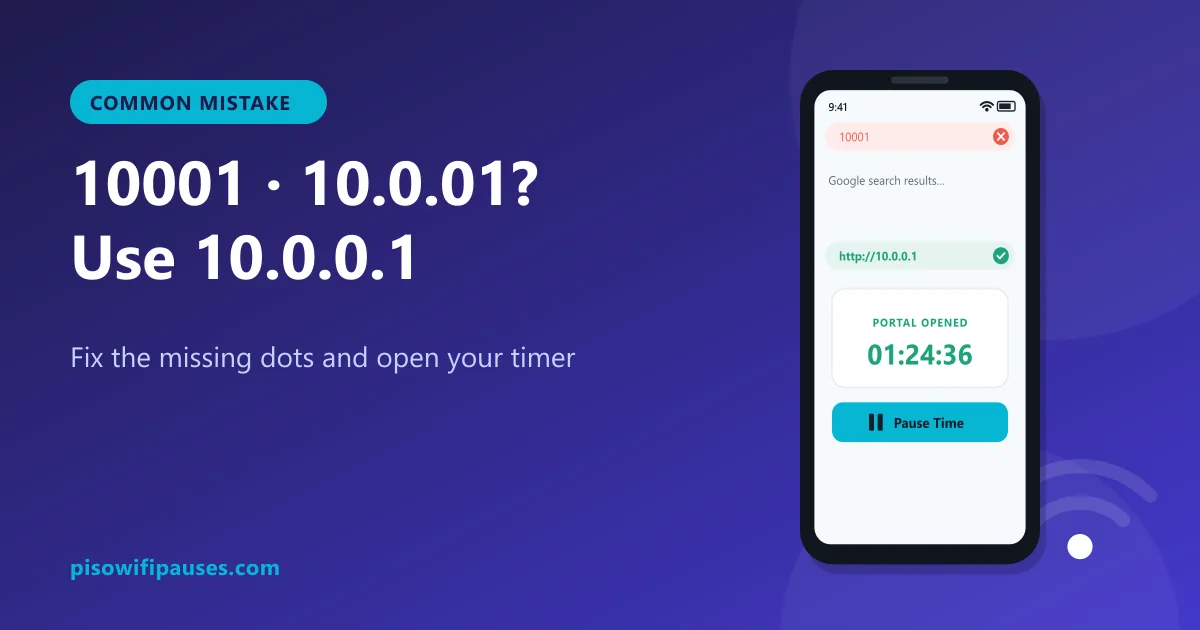
Table of contents
Why 10001 opens Google instead of the portal
A web address made of numbers needs dots to separate its parts. 10001 has no dots at all, so your browser thinks it is a search word and sends it to Google. You see search results, not your timer.
The same happens with 100001, 1001 and similar numbers. They are easy to type on a phone keyboard because the dot key is on another screen, but they never reach the vendo.
Why 10.0.01 and 10.0.1 do not work
An IPv4 address must have four numbers: 10 · 0 · 0 · 1. These typos are missing one:
10.0.01: only three parts (10, 0, 01). One dot is missing.10.0.1: only three parts (10, 0, 1).10.00.1: three parts again.
Some browsers try to "guess" what a short address means, but the guess usually does not point at your vendo. Always type all four numbers.
All common typos at a glance
| What people type | Is it valid? | Type this instead |
|---|---|---|
10.0.0.0.1 | No. It has five numbers. An IPv4 address only has four. | 10.0.0.1 |
1.0.0.0.1 | No. Five numbers, and the first one is wrong. | 10.0.0.1 |
10.0 0.0 1 / 10.0 0.1 | No. Spaces are not allowed in an address. | 10.0.0.1 |
10.0.01 / 10.0.1 | Only three numbers, so a dot is missing. | 10.0.0.1 |
10001 / 100001 | No dots. The browser runs a Google search instead. | 10.0.0.1 |
1.0.0.1 | A real address, but it belongs to a public DNS service, not your vendo. | 10.0.0.1 |
10.10.0.1 | Valid. A few machines really use it. Try it only if 10.0.0.1 does not load. | Check the sticker on the machine |
How to type 10.0.0.1 correctly on a phone
- Turn off mobile data and connect to the Piso WiFi.
- Tap the address bar at the top of your browser (not the Google search box on the page).
- Type
http://then 1 0 . 0 . 0 . 1. Count the dots: there must be three. - Press Go. The portal opens with your timer.
- Tap Pause Time to save your minutes, or Resume to continue.
10001 pause time, 10101 pause time and other searches
People also search "10101 piso wifi pause time" or "101 piso wifi pause time". These are all the same mistake: missing dots. There is no portal at 10101. The answer is always to open 10.0.0.1 (or the Gateway address shown in your Wi-Fi settings) and use the Pause button there.
Still not working with the right address?
If 10.0.0.1 itself does not load, your machine may use a different address, or your browser may be blocking the http page. Check:
- The Gateway in your Wi-Fi details. See how to find your real address.
- Chrome fixes for "Not secure" warnings.
- Private DNS set to Automatic, VPN off.
Frequently asked questions
What is 10001 Piso WiFi?
It is a typo of 10.0.0.1. Without dots, the browser searches Google instead of opening the portal.
Is 10.0.01 the same as 10.0.0.1?
No. 10.0.01 is missing one dot. Type 10.0.0.1 with three dots.
How do I pause Piso WiFi if 10001 does not work?
Open http://10.0.0.1 instead and tap Pause Time.
What about 10101 or 101 pause time?
Same mistake. There is no portal at those numbers. Use 10.0.0.1.
Related guides
 10.0.0.0.1 Piso WiFi10.0.0.0.1 does not work because it is not a valid address. Learn the correct Piso WiFi address…
 1.0.0.1 Piso WiFi Pause1.0.0.1 is a public DNS server, not your Piso WiFi vendo. Learn the correct address (10.0.0.1),…
 10.10.0.1 Piso WiFiIs 10.10.0.1 your Piso WiFi portal? Learn when 10.10.0.1 is correct, when to use 10.0.0.1 inste…