1.0.0.1 Piso WiFi Pause: Why 1.0.0.1 Is Not Your Vendo
1.0.0.1 is a public internet DNS server run by Cloudflare, not a Piso WiFi machine. Your vendo's pause page is at 10.0.0.1: a 1 and a 0 at the start. Type http://10.0.0.1 and tap Pause Time.The buttons only work while your phone is connected to the Piso WiFi network.
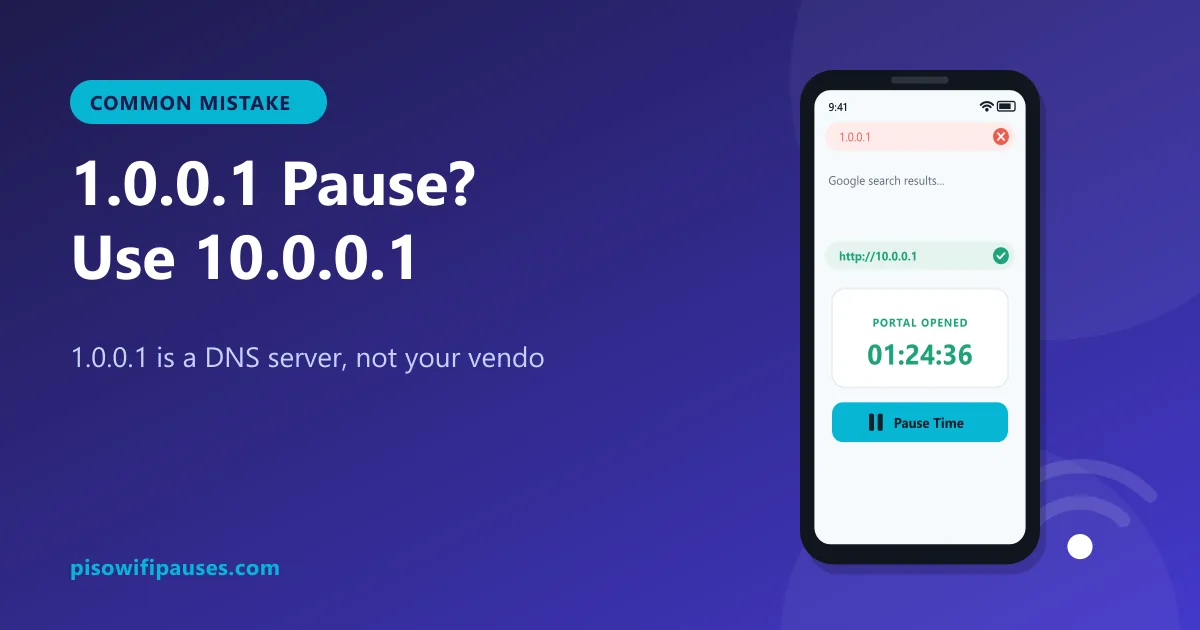
Table of contents
What is 1.0.0.1?
1.0.0.1 is a real IP address, but it belongs to a public DNS service (a system that turns website names into numbers). It lives on the internet, far away from the vendo on the wall near you. It has no coin portal, no timer and no pause button.
When you are not yet paid on a Piso WiFi, the vendo blocks most internet addresses, so opening 1.0.0.1 may show nothing at all, or an unrelated page. Either way, it will not pause your time.
1.0.0.1 vs 10.0.0.1
1.0.0.1 | 10.0.0.1 | |
|---|---|---|
| What it is | Public DNS server on the internet | Your local Piso WiFi vendo |
| Coin portal, pause, resume | No | Yes |
| Works without paying | Usually blocked | Yes, the portal always opens |
The difference is one digit: 10 at the start, not 1.
What about 1.0.0.0.1?
1.0.0.0.1 has five numbers, so it is not a valid address at all. Your browser will search Google instead. It is just another way of mistyping 10.0.0.1.
| What people type | Is it valid? | Type this instead |
|---|---|---|
10.0.0.0.1 | No. It has five numbers. An IPv4 address only has four. | 10.0.0.1 |
1.0.0.0.1 | No. Five numbers, and the first one is wrong. | 10.0.0.1 |
10.0 0.0 1 / 10.0 0.1 | No. Spaces are not allowed in an address. | 10.0.0.1 |
10.0.01 / 10.0.1 | Only three numbers, so a dot is missing. | 10.0.0.1 |
10001 / 100001 | No dots. The browser runs a Google search instead. | 10.0.0.1 |
1.0.0.1 | A real address, but it belongs to a public DNS service, not your vendo. | 10.0.0.1 |
10.10.0.1 | Valid. A few machines really use it. Try it only if 10.0.0.1 does not load. | Check the sticker on the machine |
How to pause with the correct address
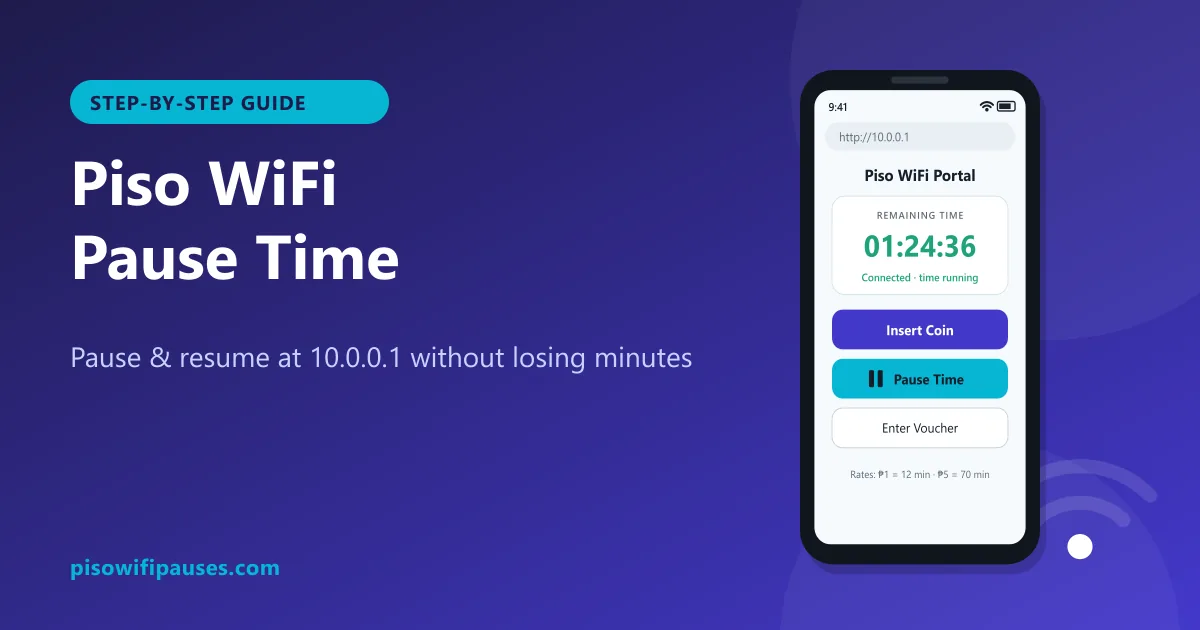
- Turn off mobile data and connect to the Piso WiFi.
- Type
http://10.0.0.1in the browser's address bar. - Check your remaining time.
- Tap Pause Time. Your minutes are saved.
- Resume later on the same phone from the same address.
Full instructions and fixes are in our Piso WiFi pause time guide.
Why people end up at 1.0.0.1
- The "0" key was skipped while typing quickly.
- Some phones auto-correct or suggest a recently visited address.
- Someone shared the address by voice ("one-zero-zero-one" heard as "one dot zero dot zero dot one").
Once the portal opens, save it as a bookmark or a home-screen shortcut to avoid typing it again. See how to add it to your home screen.
Did you change your phone's DNS to 1.1.1.1 or 1.0.0.1?
Some people set Cloudflare DNS (1.1.1.1 / 1.0.0.1) as Private DNS on Android for privacy. This can stop the Piso WiFi portal from opening. Go to Settings → Connections → More connection settings → Private DNS and choose Automatic while using Piso WiFi.
Frequently asked questions
Is 1.0.0.1 the Piso WiFi address?
No. 1.0.0.1 is a public DNS server. The Piso WiFi portal is usually 10.0.0.1.
What is 1.0.0.1 piso wifi pause?
A mistyped search for the pause page. Open 10.0.0.1 and tap Pause Time.
Is 1.0.0.0.1 valid?
No. It has five numbers. Use 10.0.0.1.
Can Private DNS 1.0.0.1 block the Piso WiFi portal?
Yes. Set Private DNS to Automatic on Android while using Piso WiFi.
Related guides
 10.0.0.0.1 Piso WiFi10.0.0.0.1 does not work because it is not a valid address. Learn the correct Piso WiFi address…
 10001 Piso WiFiTyped 10001, 100001, 10.0.01 or 10.0.1 and got Google? The Piso WiFi portal is 10.0.0.1. Here i…
 Piso WiFi Pause TimePause your Piso WiFi time at 10.0.0.1 and resume later without losing minutes. Step-by-step gui…