TP-Link Piso WiFi Pause Time: How to Pause on TP-Link Based Vendos
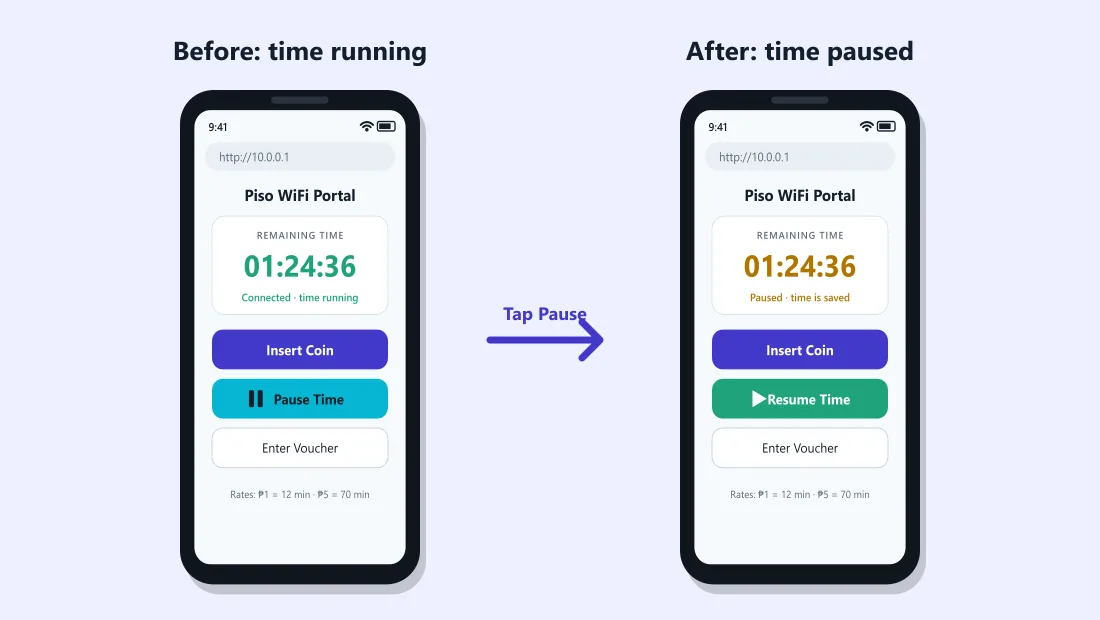
http://10.0.0.1. Open it and tap Pause Time. The TP-Link device only broadcasts the Wi-Fi; the vendo software controls your timer and pause. Pages like tplinkwifi.net or 192.168.0.1 are router settings for the owner, not the customer portal.The buttons only work while your phone is connected to the Piso WiFi network.
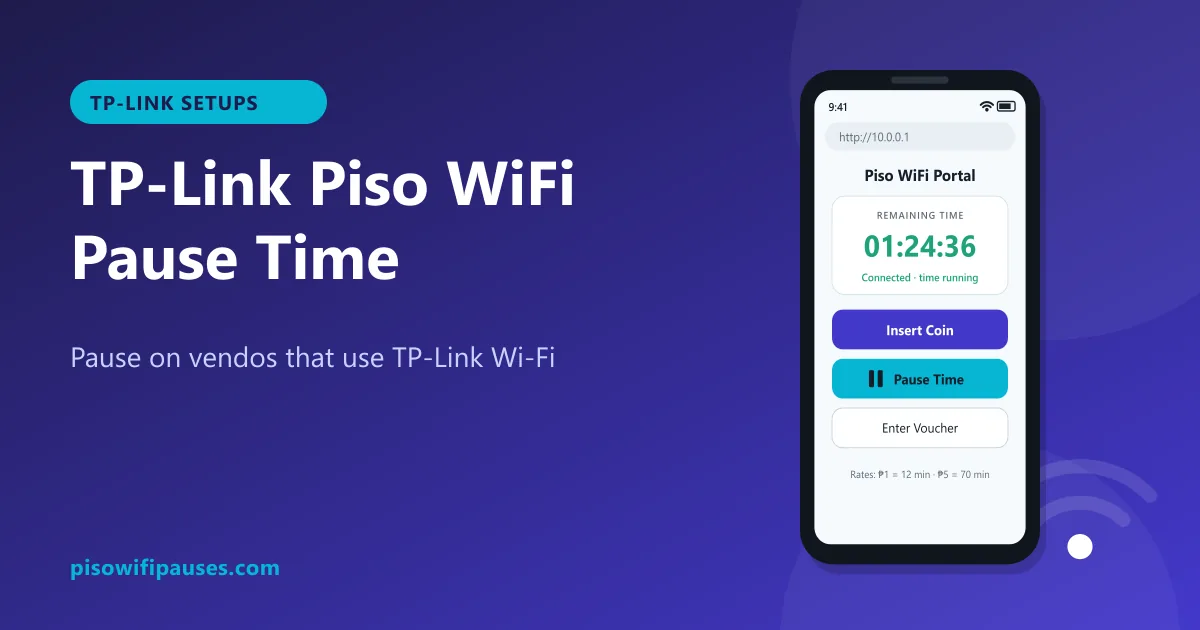
Table of contents
What "TP-Link Piso WiFi" really means
Many Piso WiFi owners use TP-Link hardware, such as home routers, outdoor CPEs, or Omada access points, to spread the Wi-Fi signal further. TP-Link is a popular brand in the Philippines because it is affordable and easy to find.
But the TP-Link device is usually just the radio. The part that counts your coins and minutes is the vendo software (for example LPB or AdoPiSoft) running on a small computer inside the machine. That software is what you see at 10.0.0.1, and it is where the pause button lives.
| Vendo software portal | TP-Link router page | |
|---|---|---|
| Typical address | 10.0.0.1 | tplinkwifi.net, 192.168.0.1 or 192.168.1.1 |
| Who uses it | Customers | Owner / installer only |
| Coins, vouchers, pause | Yes | No |
| Password needed | No | Yes, router admin password |
How to pause on a TP-Link based Piso WiFi
- Connect to the Piso WiFi network (the name chosen by the owner).
- Open your browser and type
http://10.0.0.1. - Check your remaining time, then tap Pause Time.
- To continue, reconnect with the same phone, open
10.0.0.1and tap Resume.
"10.0 0.0 1 piso wifi time pause tp link": common confusion
Lots of people search for "10.0.0.1 pause TP-Link" because they see a TP-Link logo on the antenna or the router box. You do not need anything from TP-Link to pause. Just make sure you type the vendo address correctly: 10.0.0.1 with three dots and no spaces. If you land on a TP-Link login screen asking for a password, you are on the router page; go back to 10.0.0.1.
What if 10.0.0.1 shows a TP-Link page?
On a few setups, the installer may have given the TP-Link device the same address range. If you see a TP-Link login instead of the coin portal:
- Look at the sticker on the vendo for the correct portal address.
- Check the Gateway in your Wi-Fi details; see how to find it.
- Tell the owner; the network may be set up incorrectly.
TP-Link Omada hotspot portals
Some businesses use TP-Link Omada's own hotspot portal with vouchers instead of a coin vendo. In that case the page you see after connecting is created in the Omada controller, and features such as pause depend on how the owner set it up. If you do not see a pause option there, it is not available on that network.
For owners using TP-Link with a vendo
- Set the TP-Link router or access point to access point mode (or bridge mode) so the vendo, not the router, gives out addresses. Otherwise customers may bypass the portal or never see it.
- Change the TP-Link admin password from the default and hide the management page from customers if possible.
- Keep the TP-Link firmware updated for stability and security.
- Turn on pause in your vendo admin at
10.0.0.1/admin, not in the TP-Link settings. See admin guide.
Frequently asked questions
How do I pause TP-Link Piso WiFi?
Open http://10.0.0.1 while connected and tap Pause Time. The vendo software handles pause, not the TP-Link router.
Is tplinkwifi.net the Piso WiFi portal?
No. tplinkwifi.net is the TP-Link router settings page for the owner. Customers use 10.0.0.1.
Why do I see a TP-Link login asking for a password?
You opened the router page. Go back to 10.0.0.1 or the address on the vendo sticker.
Can I pause on a TP-Link Omada voucher portal?
Only if the owner enabled it. Omada voucher portals often have no pause option.
Related guides
 Piso WiFi Pause TimePause your Piso WiFi time at 10.0.0.1 and resume later without losing minutes. Step-by-step gui…
 Piso WiFi Vendo Pause TimeHow a Piso WiFi vendo machine pauses and resumes your time at 10.0.0.1, why pause sometimes fai…
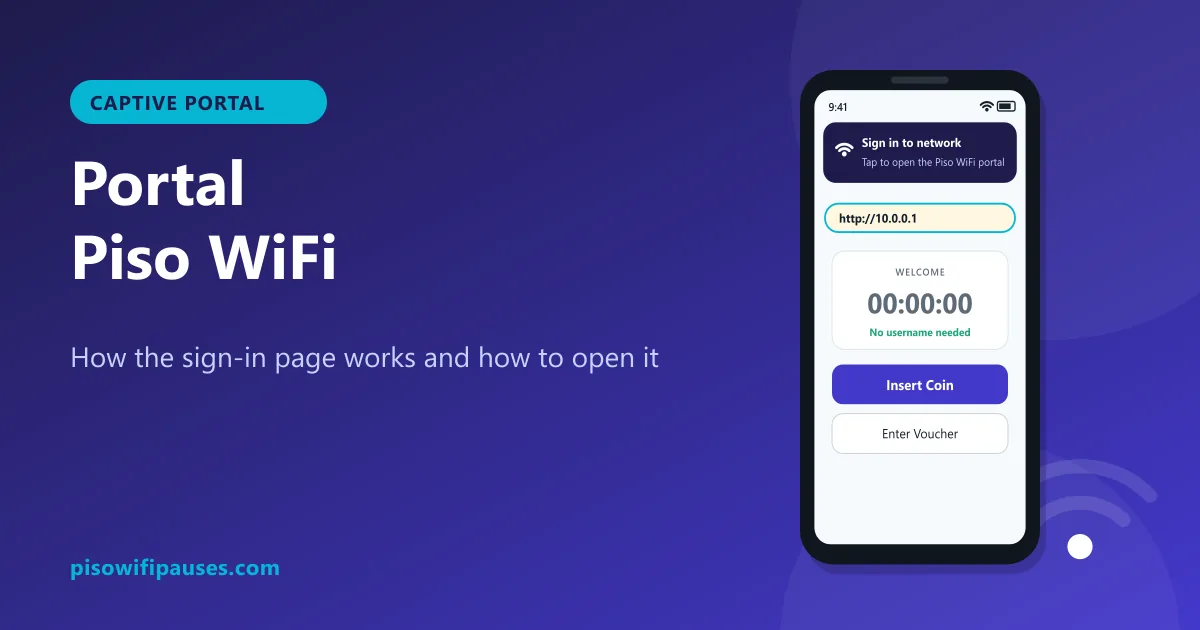 Portal Piso WiFiWhat the Piso WiFi portal is, why the "Sign in to network" page appears, how to open it manuall…