Starlink Piso WiFi: How It Works for Customers and Owners
http://10.0.0.1, insert coins and tap Pause Time when needed. Starlink only provides the internet behind the vendo. Owners connect the Starlink router to the vendo so the vendo, not Starlink, controls who gets online.The buttons only work while your phone is connected to the Piso WiFi network.
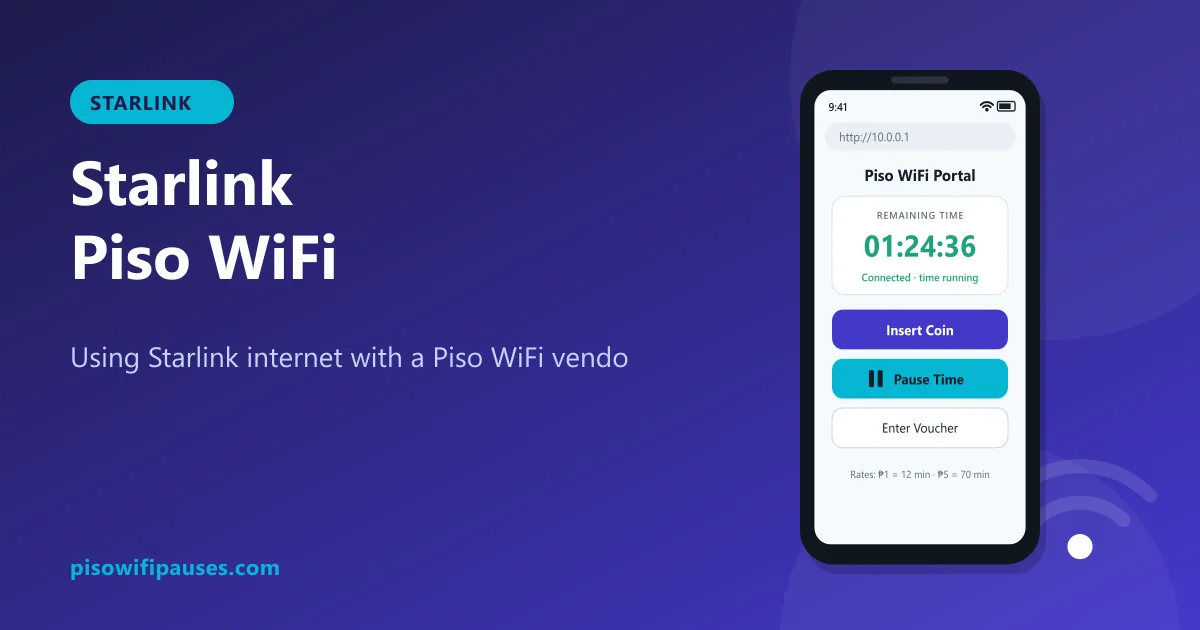
Table of contents
What is a Starlink Piso WiFi?
Starlink is a satellite internet service. In islands, mountain barangays and farms where fibre does not reach, some Piso WiFi owners use Starlink as their internet source. The vendo then shares that connection by the minute, the same way it would share fibre or LTE.
The network name you see may include "Starlink", but the coins, timer and pause button still come from the vendo software, such as LPB or AdoPiSoft.
For customers: login and pause
- Connect to the Piso WiFi network (not the owner's private Starlink network).
- Open
http://10.0.0.1or tap "Sign in to network". - Insert coins or enter a voucher.
- Tap Pause Time to save minutes and Resume to continue on the same phone.
If you see a Starlink app screen or a page asking for a Starlink account, you joined the wrong network. Look for the vendo's network name on the machine sticker. Full pause steps are in our pause time guide.
Why Starlink Piso WiFi may feel different
- Short drops in heavy rain or when something blocks the dish. Pause your time during storms if browsing stops.
- Busy evenings: many users share one connection, so speed per person can drop.
- Video calls and gaming usually work well, but owners may limit speed per user to keep it fair.
For owners: connecting a vendo to Starlink
Exact steps depend on your vendo software and Starlink kit, so follow your seller's instructions. The general idea:
- Starlink provides internet to the vendo's WAN (internet) port, either through the Starlink router or an Ethernet adapter, depending on your kit.
- The vendo creates the customer network and the 10.0.0.1 portal. Customers must connect to the vendo's Wi-Fi, not the Starlink Wi-Fi.
- Hide or protect the Starlink Wi-Fi with a strong password so customers cannot bypass the vendo. Some owners use the Starlink app's bypass mode to disable Starlink's own Wi-Fi and let their own equipment handle everything; check whether your vendo setup supports this before enabling it.
- Set fair speed limits per user in the vendo admin so one customer cannot use the whole connection.
- Test with your own phone: insert a coin, pause, resume.
Tips for a reliable Starlink Piso WiFi
- Mount the dish with a clear view of the sky, away from trees and roofs.
- Use a UPS or AVR; Starlink and the vendo both need stable power.
- Explain on your rate sticker that service may pause during heavy storms.
- Turn on pause time for customers so they do not lose minutes during outages. See vendo pause settings.
Frequently asked questions
How do I log in to Starlink Piso WiFi?
Connect to the vendo Wi-Fi and open http://10.0.0.1. No Starlink account is needed.
Can I pause on a Starlink Piso WiFi?
Yes, if the owner enabled pause. Tap Pause Time at 10.0.0.1.
Why does Starlink Piso WiFi drop during rain?
Heavy rain or obstructions can briefly interrupt satellite signal. Pause your time if browsing stops.
How do owners connect a vendo to Starlink?
Starlink feeds the vendo's internet port, and the vendo serves customers. Follow your seller's setup guide.
Related guides
 What Is Piso WiFiA simple guide to Piso WiFi in the Philippines: how coin Wi-Fi vendos work, typical rates, how …
 Piso WiFi Vendo Pause TimeHow a Piso WiFi vendo machine pauses and resumes your time at 10.0.0.1, why pause sometimes fai…
 Piso WiFi Admin & PasswordHow vendo owners log in at 10.0.0.1/admin, change a default password, turn on pause time, and w…