1Click Piso WiFi Pause Time: How to Log In and Pause
http://10.0.0.1 (or the address on the machine sticker). Insert coins, then tap Pause to save your time and Resume later on the same phone. If there is no pause button, the owner has not enabled it.The buttons only work while your phone is connected to the Piso WiFi network.
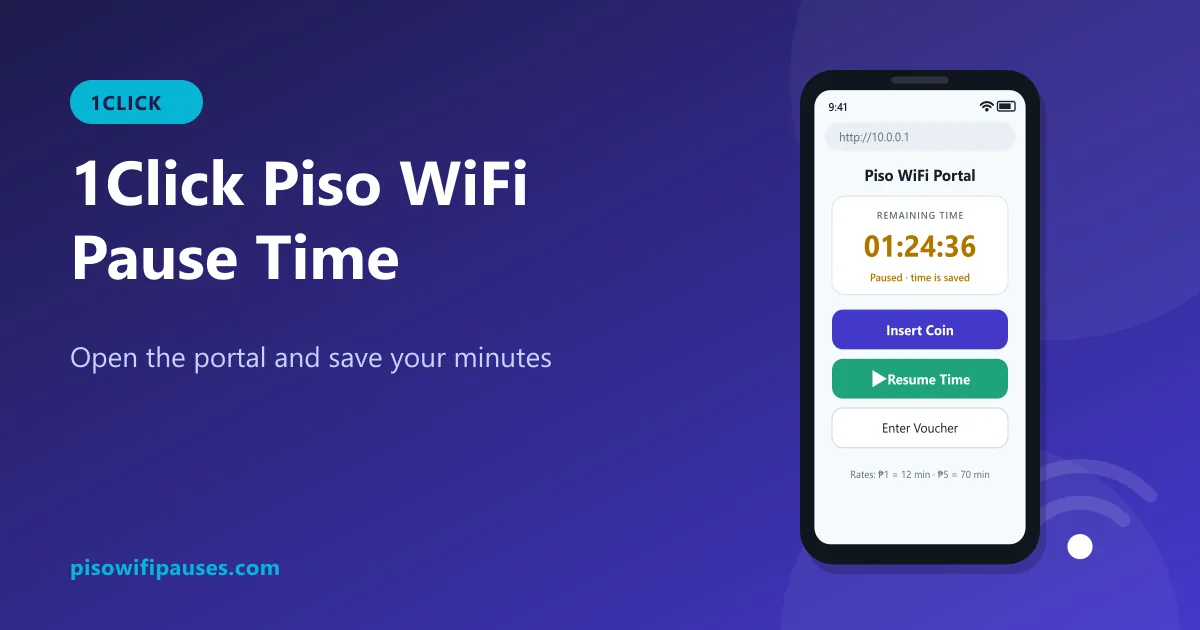
Table of contents
What is 1Click Piso WiFi?
"1Click" is a name you may see on some Piso WiFi machines and networks. Like other systems, the vendo runs software that counts coins and shows a customer portal. For customers, the steps are the same as any Piso WiFi: connect, open the portal, pay, and pause or resume.
Because owners and sellers can customise their machines, the portal colours, logos and button names can differ from what you see in our pictures. Look for words like Pause, Stop time or a ⏸ symbol.
How to log in on 1Click Piso WiFi
- Turn off mobile data.
- Connect to the 1Click (or store-named) Wi-Fi network.
- Tap "Sign in to network", or type
http://10.0.0.1in your browser. - If 10.0.0.1 does not open, check the Gateway in your Wi-Fi details and use that address. See how to find it.
How to pause and resume on 1Click
- Make sure you have time on the timer.
- Tap Pause (or the ⏸ icon). The status changes to paused.
- Later, connect with the same phone, open the portal again and tap Resume.
"1Click piso wifi 10.0.0.0.1": address mistakes
Many people search "1Click 10.0.0.0.1". That address does not exist; it has five numbers. Use 10.0.0.1 or the gateway shown on your phone.
| What people type | Is it valid? | Type this instead |
|---|---|---|
10.0.0.0.1 | No. It has five numbers. An IPv4 address only has four. | 10.0.0.1 |
1.0.0.0.1 | No. Five numbers, and the first one is wrong. | 10.0.0.1 |
10.0 0.0 1 / 10.0 0.1 | No. Spaces are not allowed in an address. | 10.0.0.1 |
10.0.01 / 10.0.1 | Only three numbers, so a dot is missing. | 10.0.0.1 |
10001 / 100001 | No dots. The browser runs a Google search instead. | 10.0.0.1 |
1.0.0.1 | A real address, but it belongs to a public DNS service, not your vendo. | 10.0.0.1 |
10.10.0.1 | Valid. A few machines really use it. Try it only if 10.0.0.1 does not load. | Check the sticker on the machine |
No pause button on 1Click?
- The owner turned pause off, or only allows it for coin time.
- You have no time left; pause usually appears only while time is running.
- The machine uses an older version without pause.
Turning off Wi-Fi does not stop the countdown. Ask the store owner if pause is available. More reasons in our main guide.
Other Piso WiFi systems
If your machine shows a different name, these guides may help: LPB Piso WiFi, Ado Piso WiFi, TP-Link based setups, and store-named networks like Lyn or Daniel Piso WiFi.
Frequently asked questions
How do I pause 1Click Piso WiFi?
Open http://10.0.0.1 (or your gateway address), then tap Pause. Resume on the same phone.
What is the 1Click Piso WiFi address?
Usually 10.0.0.1. Check the Gateway in your Wi-Fi details if it does not open.
Is 1Click 10.0.0.0.1 correct?
No. 10.0.0.0.1 is not a valid address. Use 10.0.0.1.
Why is there no pause on 1Click?
The owner may have disabled it or the version does not support pause.
Related guides
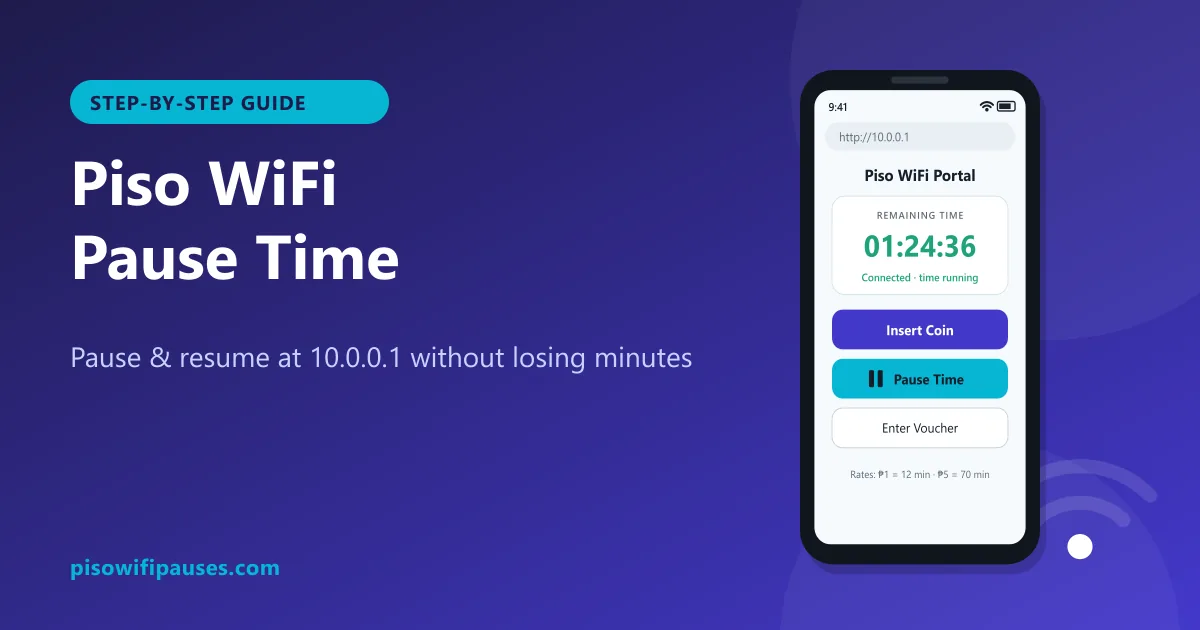 Piso WiFi Pause TimePause your Piso WiFi time at 10.0.0.1 and resume later without losing minutes. Step-by-step gui…
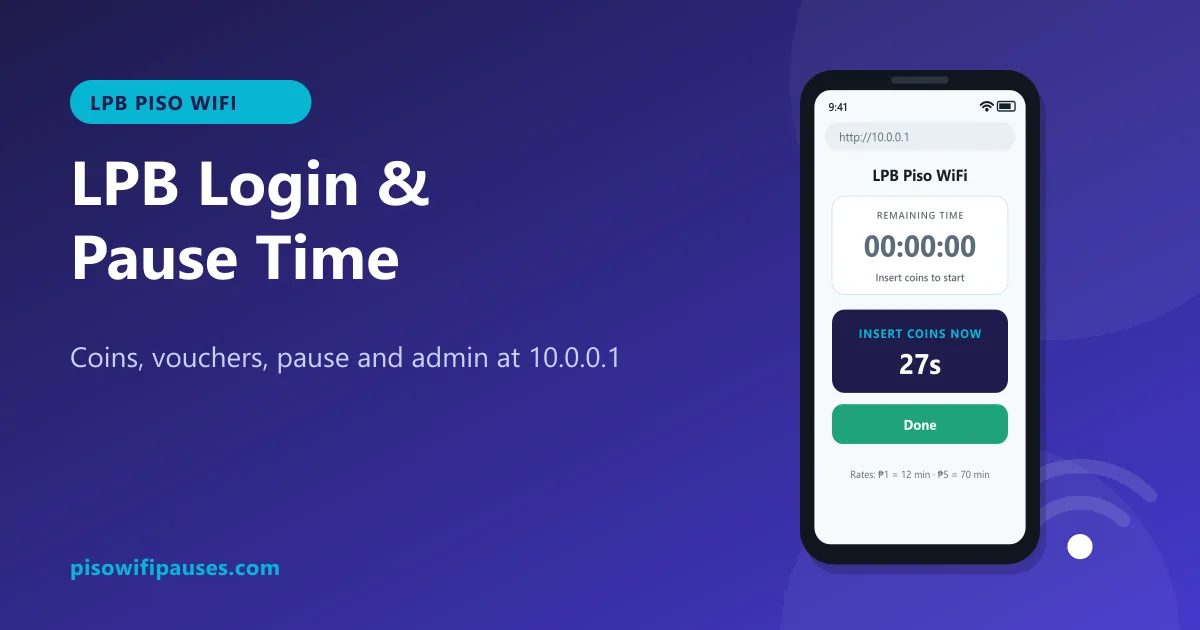 LPB Piso WiFiUse LPB Piso WiFi at 10.0.0.1: log in, insert coins or vouchers, pause and resume your time. In…
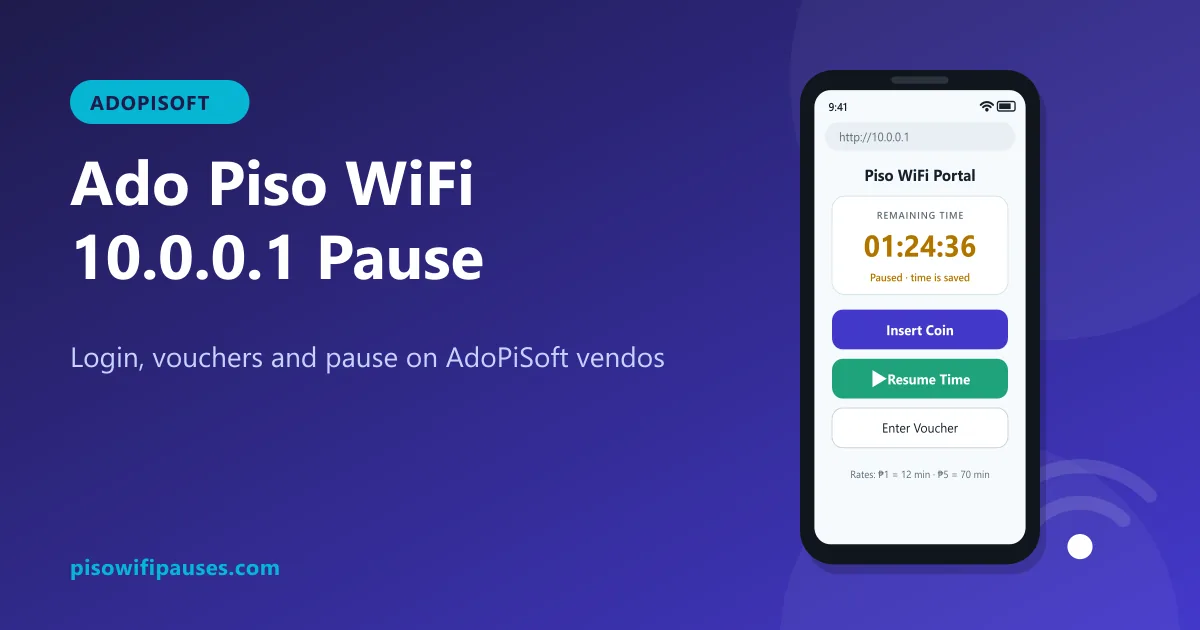 Ado Piso WiFiHow to use AdoPiSoft (Ado Piso WiFi) at 10.0.0.1: login, insert coins, vouchers, pause and resu…