Lyn, Daniel, Noah, Max Piso WiFi and Other Names: How to Log In and Pause
http://10.0.0.1, insert coins and tap Pause Time the same way on all of them.The buttons only work while your phone is connected to the Piso WiFi network.
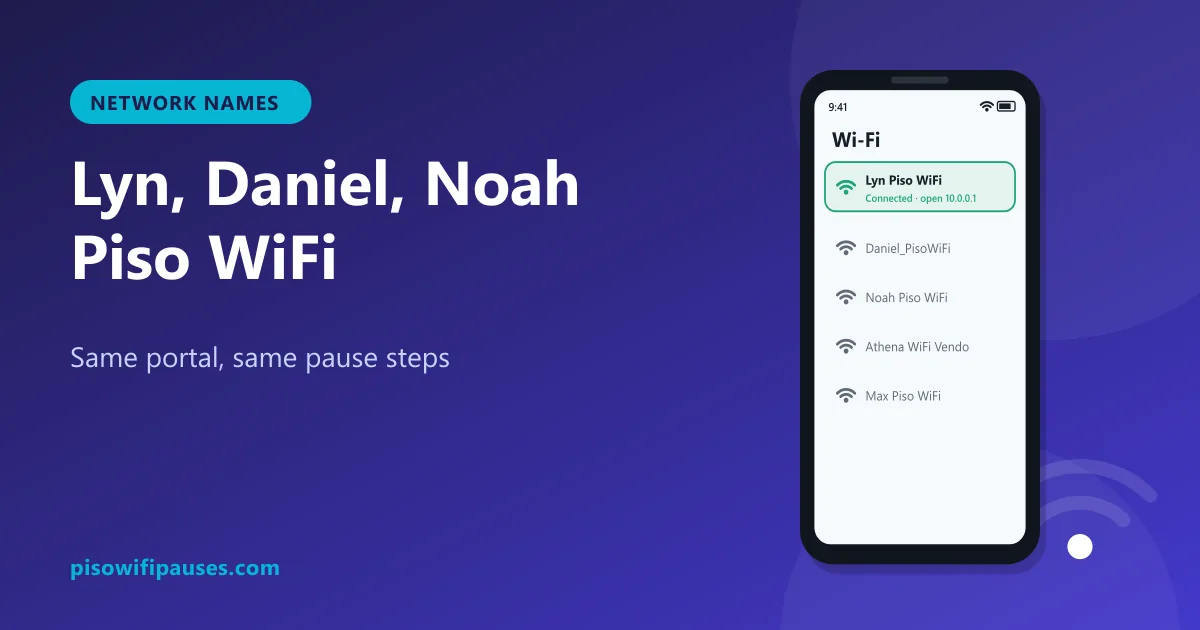
Table of contents
Why so many Piso WiFi names?
Every Piso WiFi owner can name their network. Many use their own name, a family member's name, the store name, or something catchy. That is why you see networks like "Lyn Piso WiFi", "Daniel_PisoWiFi", "Nanay Piso WiFi" or "Happy Piso WiFi" in your Wi-Fi list.
The name you see is called the SSID. It tells you whose machine it is, not how it works. Underneath, most of these vendos run common systems such as LPB or AdoPiSoft, and almost all use the portal at 10.0.0.1.
Popular Piso WiFi names people search for
All of these follow the same login and pause steps below:
Lyn Piso WiFi Daniel Piso WiFi Noah Piso WiFi Athena Piso WiFi Max Piso WiFi Cristy Piso WiFi Gerald Piso WiFi Vic Piso WiFi Erma Piso WiFi Romy Piso WiFi Sandy Piso WiFi Reden Piso WiFi Gelo Piso WiFi Nanay Piso WiFi Happy Piso WiFi Infinity Piso WiFi Mavic Piso WiFi Tres Piso WiFi J&K Piso WiFi Camz Piso WiFi
If your network name is not in the list, the steps still apply.
How to log in to any named Piso WiFi
- Turn off mobile data.
- In Wi-Fi settings, tap the network name (for example "Lyn Piso WiFi").
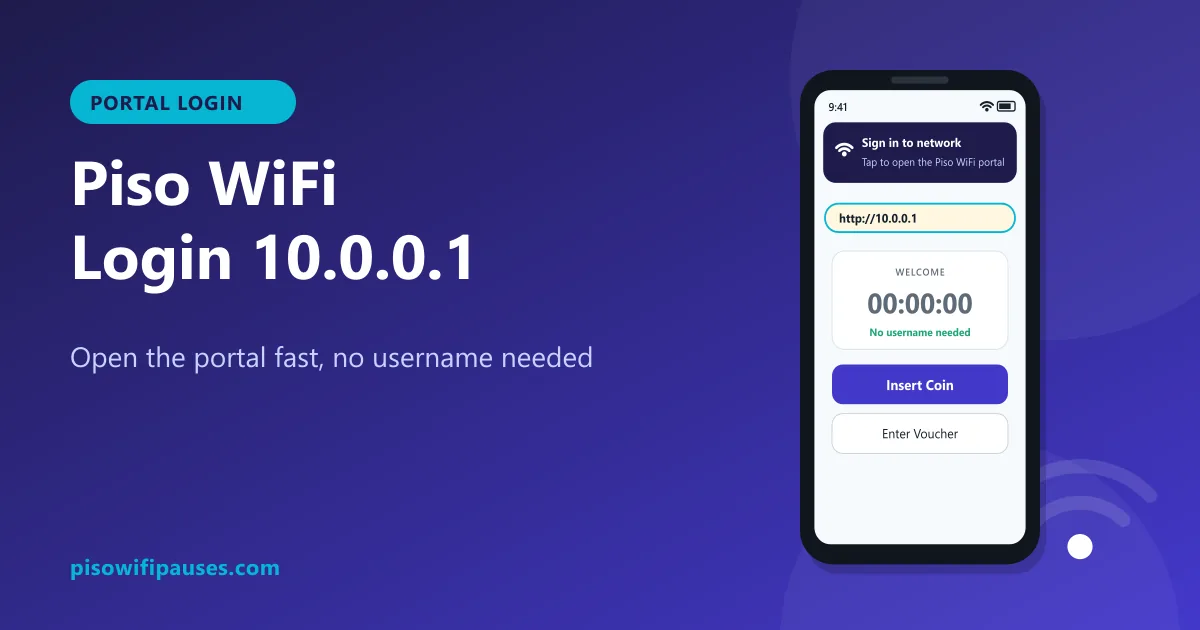
- Wait for "Sign in to network", or open
http://10.0.0.1in your browser. - Insert coins or enter a voucher from that store.
How to pause and resume
- Open
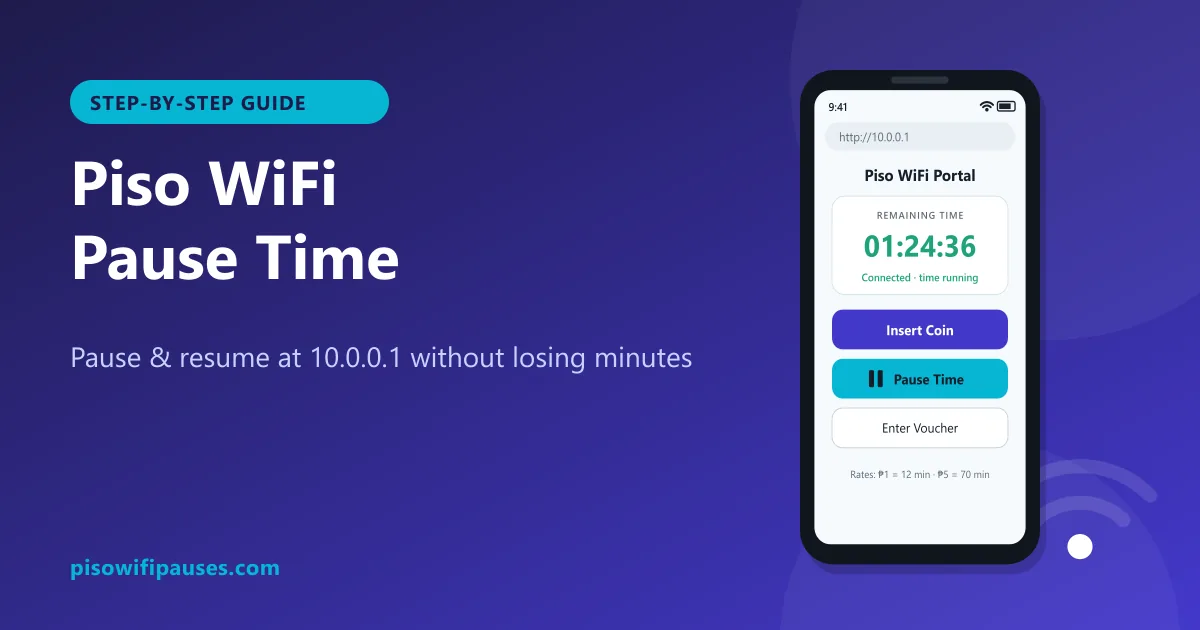
http://10.0.0.1while connected. - Tap Pause Time. Your minutes are saved.
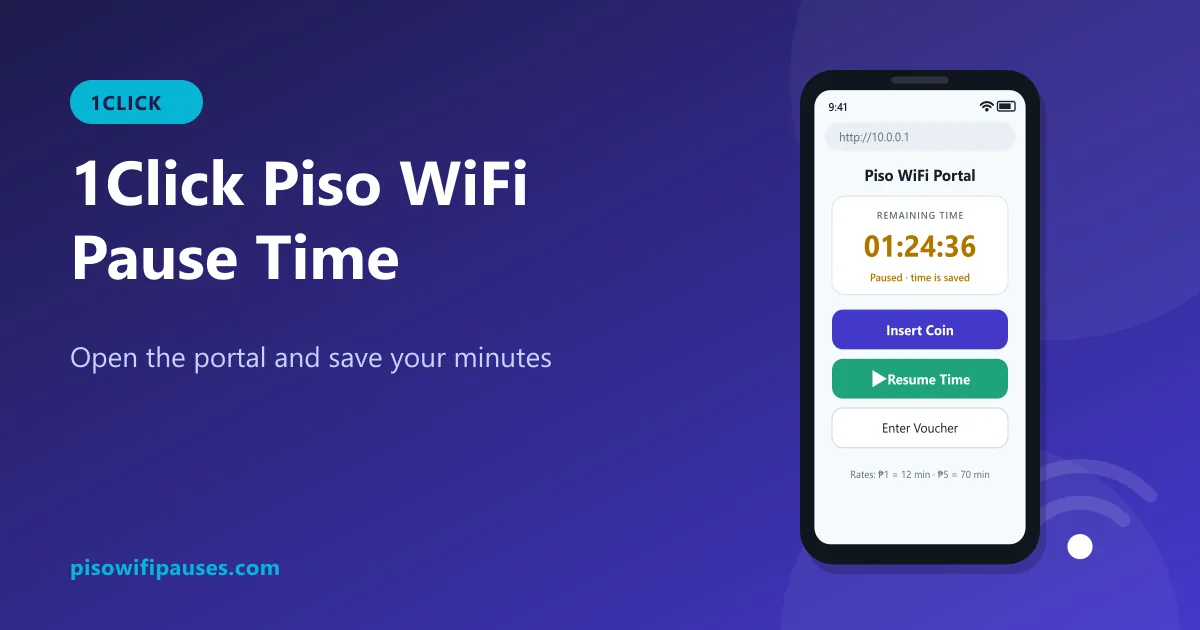
- Later, connect to the same network name with the same phone and tap Resume.
Time is saved on that specific machine. Paused time on "Lyn Piso WiFi" cannot be resumed on "Daniel Piso WiFi" down the street, even if both use the same software.
Two networks with the same name?
Sometimes a store has two or more vendos with similar names (for example "Max Piso WiFi 1" and "Max Piso WiFi 2"), or a neighbour copies a popular name. Always reconnect to the exact same network where you paid. If your time is missing, check you are not on the second machine.
Be careful with look-alike networks
A fake network can copy a real store's name to trick people. Warning signs:
- The page asks for Facebook, Google or GCash login, or an OTP.
- The portal address is not
10.0.0.1or the address on the store's sticker. - The signal is strong far from the store but weak near it.
If something looks wrong, disconnect and ask the store owner which network is theirs.
Help for specific systems
Frequently asked questions
What is Lyn Piso WiFi?
Usually the network name of a local store's Piso WiFi. Log in and pause at 10.0.0.1 like any other.
Do Daniel, Noah and Max Piso WiFi work differently?
Usually not. They are store network names. The portal and pause steps are the same.
Can I resume paused time on another store's Piso WiFi?
No. Time is saved on the machine where you paid.
How do I know a Piso WiFi network is real?
A real portal never asks for passwords or OTPs. Check the network name with the store owner.
Related guides
 Piso WiFi Pause TimePause your Piso WiFi time at 10.0.0.1 and resume later without losing minutes. Step-by-step gui…
 Piso WiFi LoginHow to log in to the Piso WiFi portal at 10.0.0.1 as a customer or owner. Fix a portal that wil…
 1Click Piso WiFiHow to pause and resume time on a 1Click Piso WiFi vendo: open the portal at 10.0.0.1, find the…